
ACCOUNT CHECK: Make sure you have completed the verification and setup of Web Portal before you proceed to setting up your mobile application.
Step 1
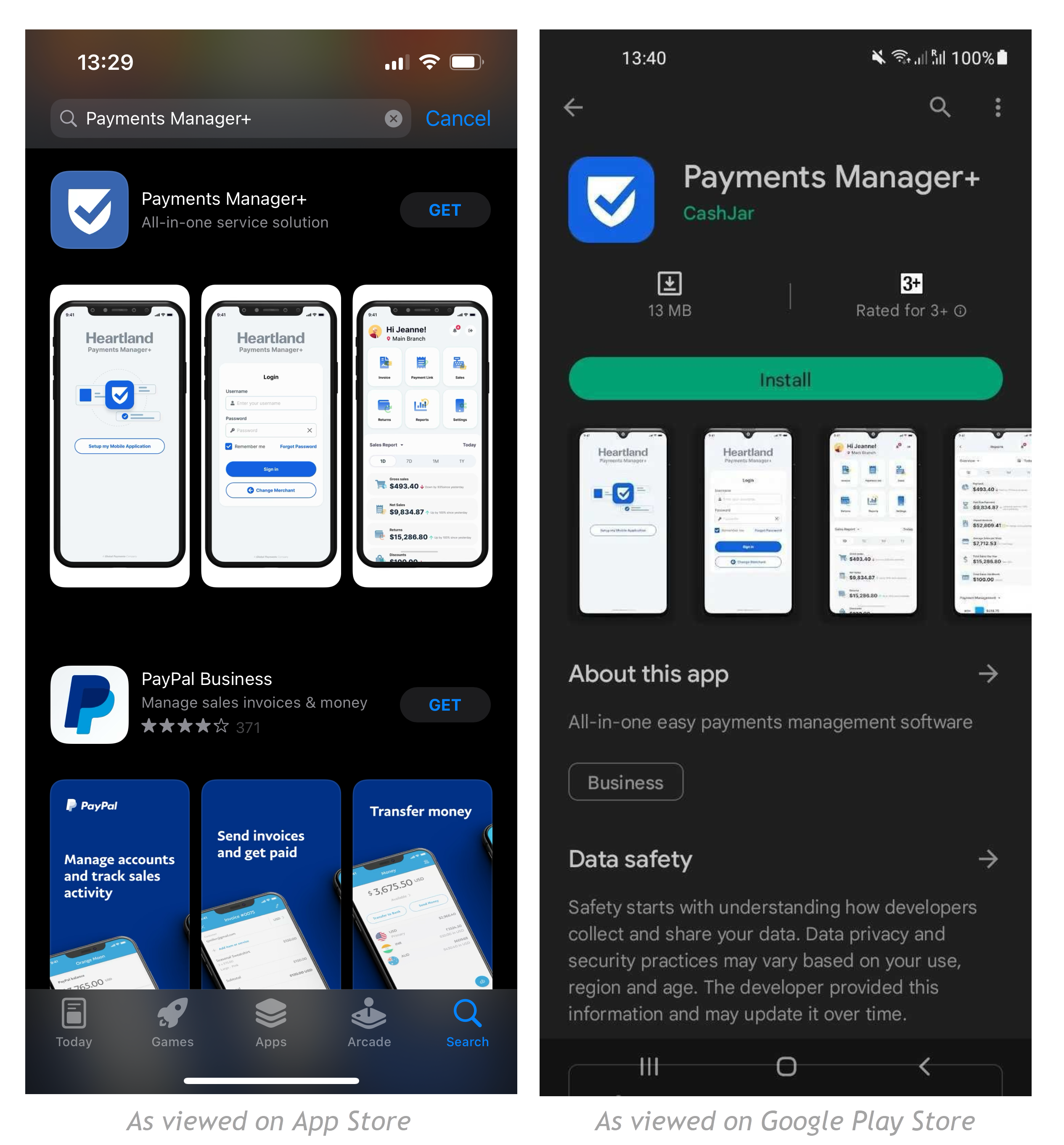
Install Payments Manager+ on your Android Phone or iPhone and open the application.
Step 2
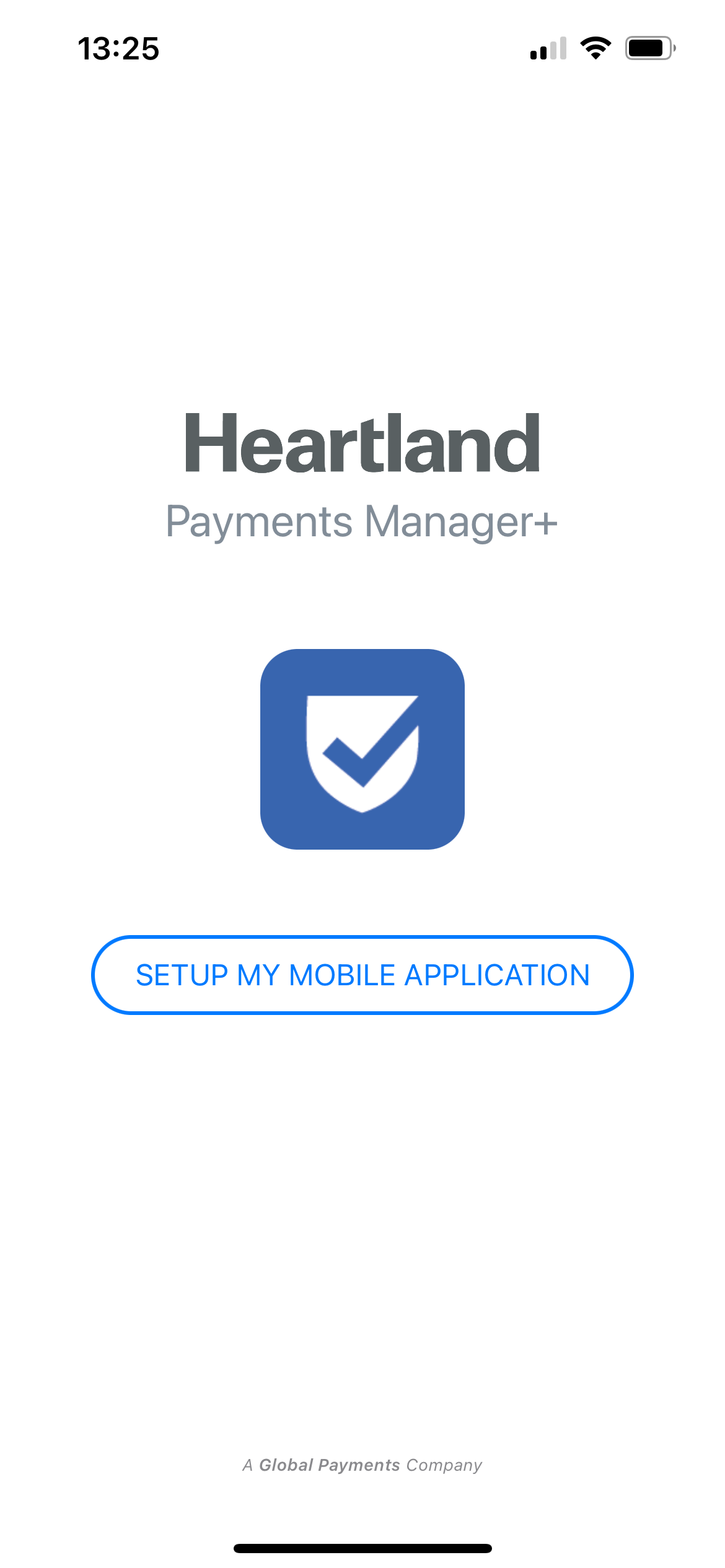
After downloading the application and opening it. Click Setup My Mobile Application.
Step 3
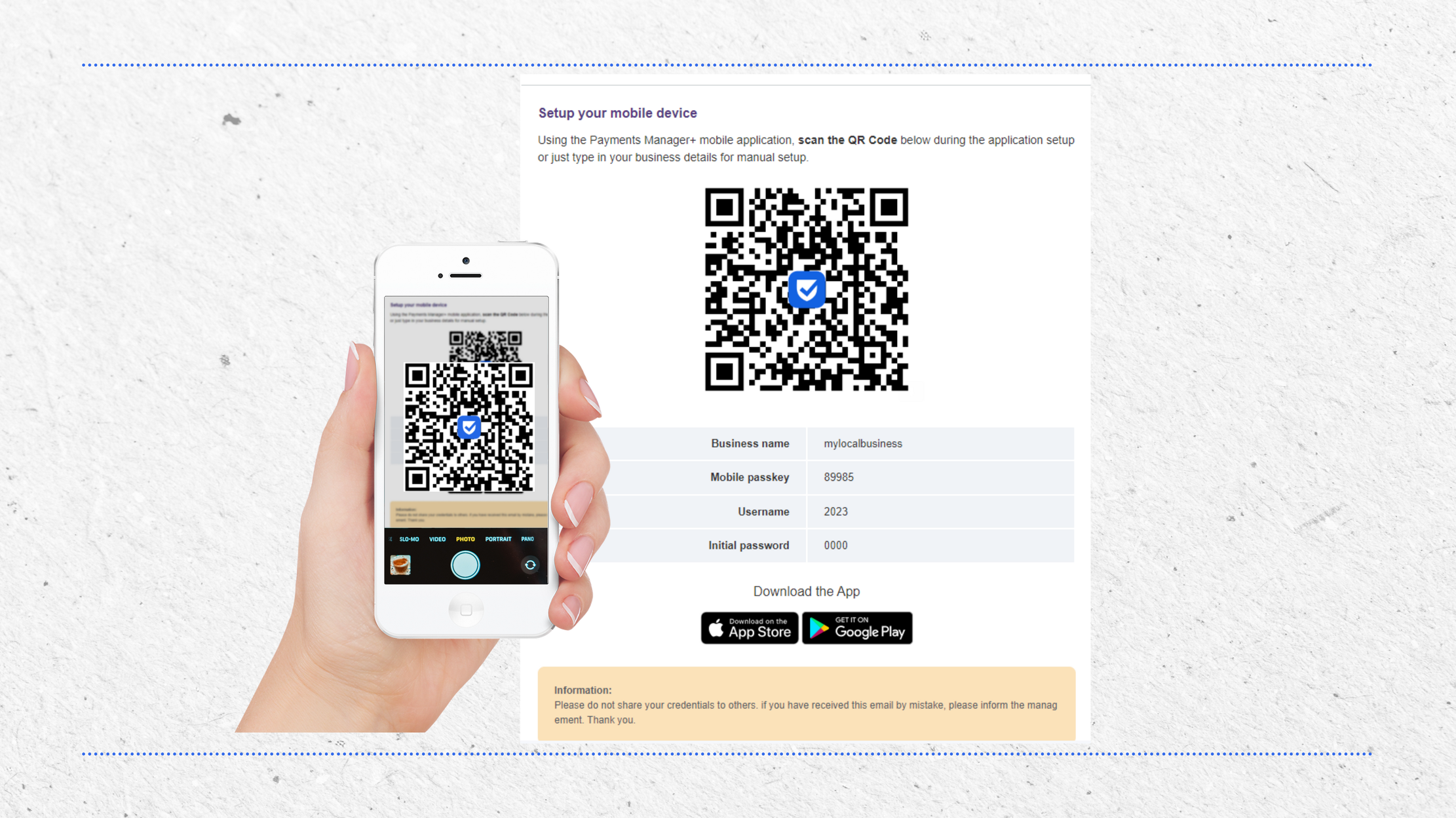
Using the QR code scanner on the app, scan the QR Code indicated in your Welcome email. This will automatically connect the application to your business' data.
NOTE: This will be in the email you received with your user credentials
Step 4
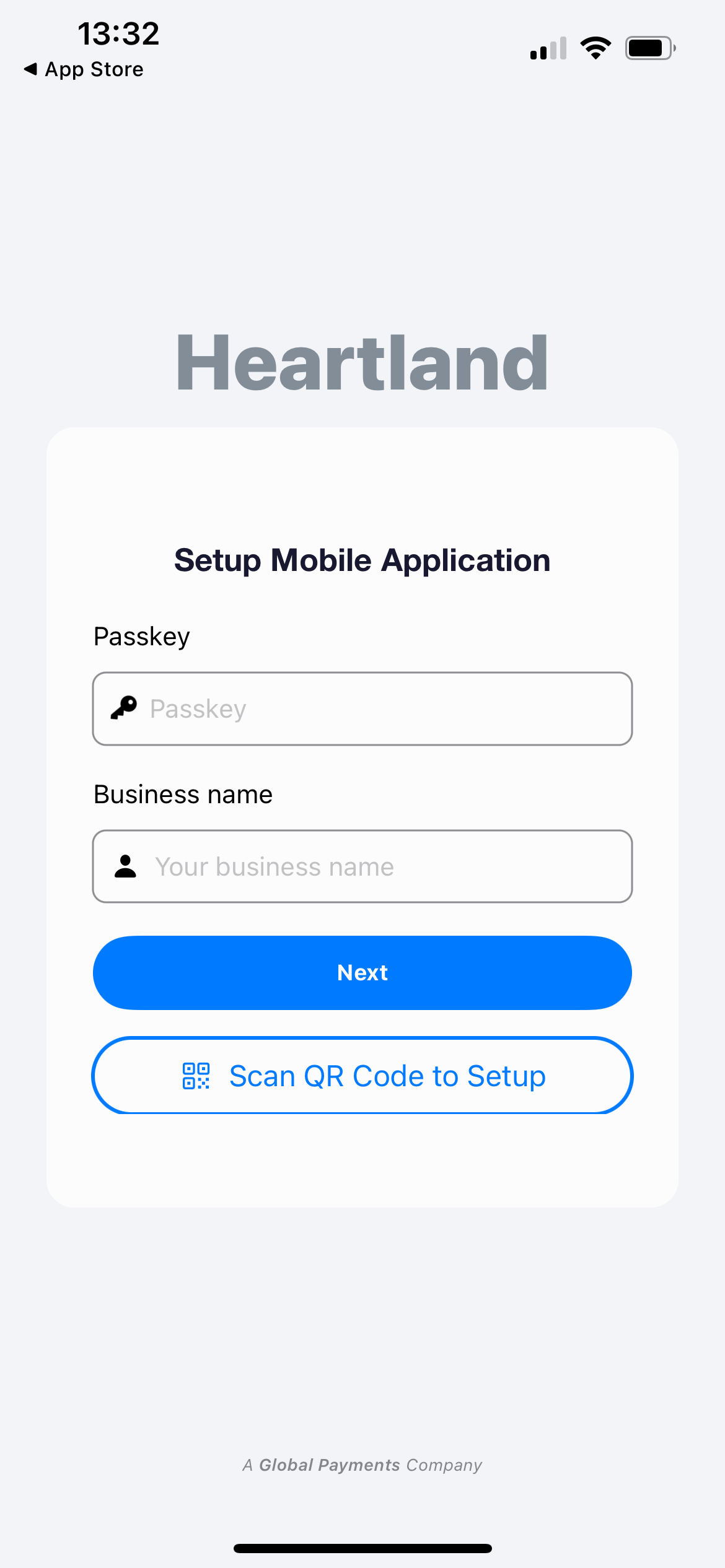
Alternatively, you can do manual setup by clicking Setup Manually then input the Mobile Passkey and Business Name on the fields provided. These can be found on the credentials email you have received.
Step 5
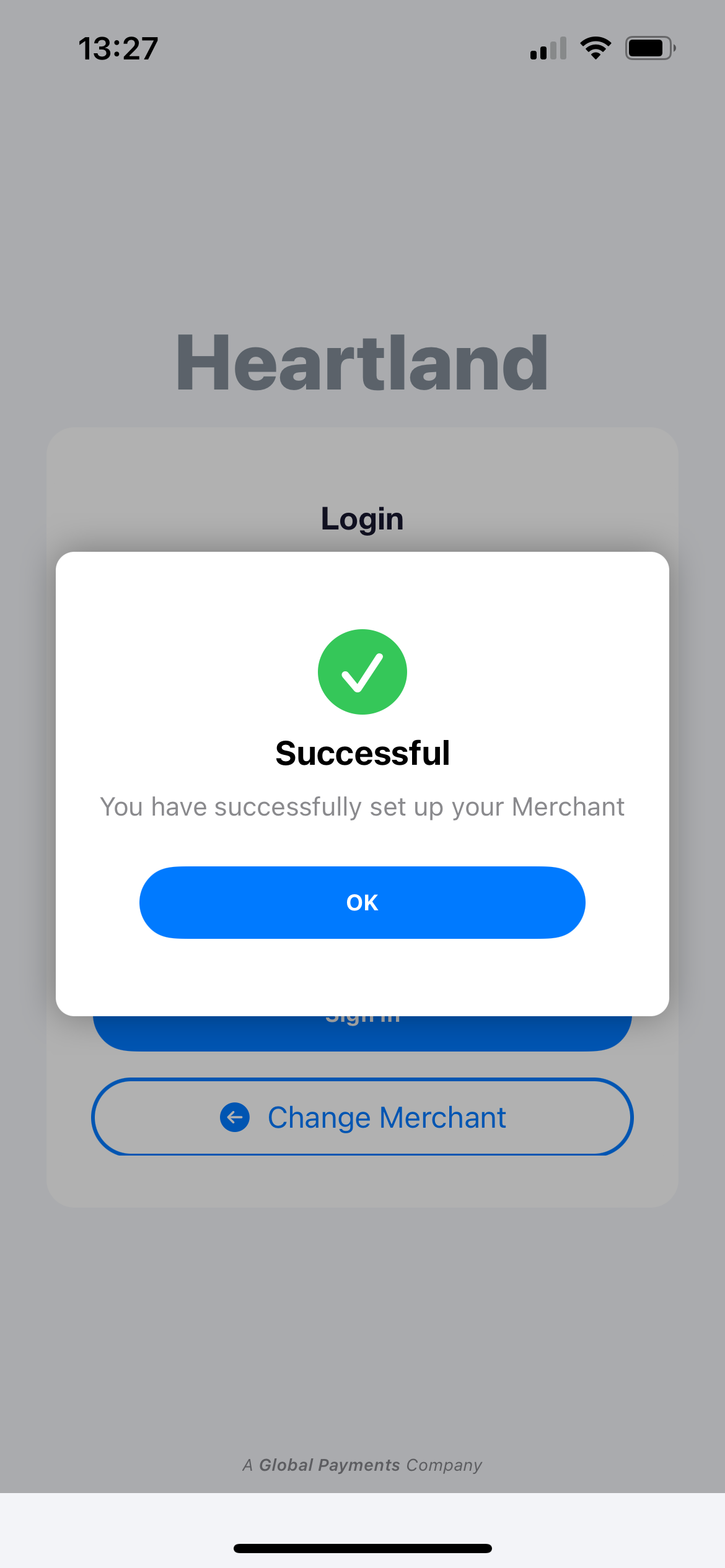
Once done, you should see the successful message. Click OK to close the modal.
Step 6
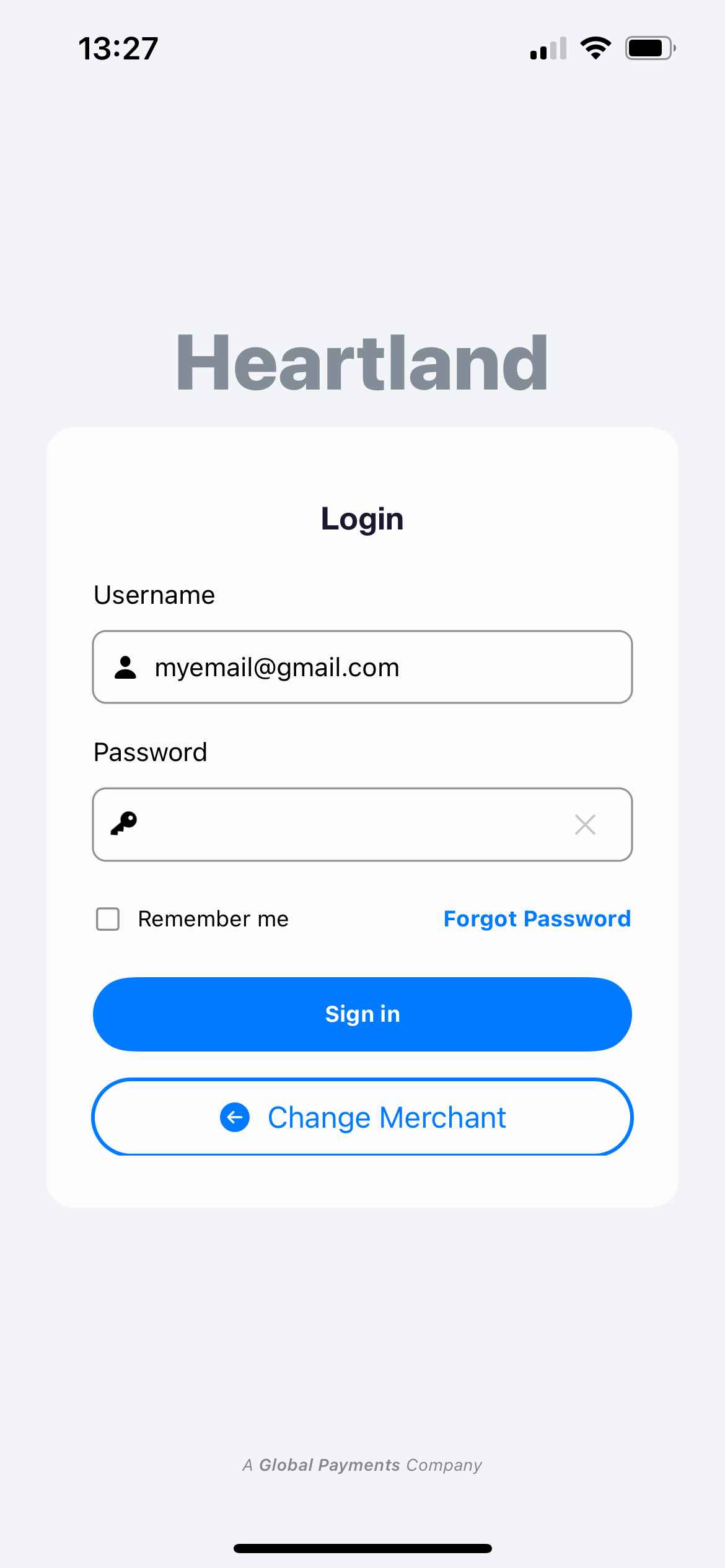
You can now use your credentials (username and password) to log in to your mobile application.
Comments
0 comments
Article is closed for comments.