
 What can I do in Payments Manager+ Dashboard?
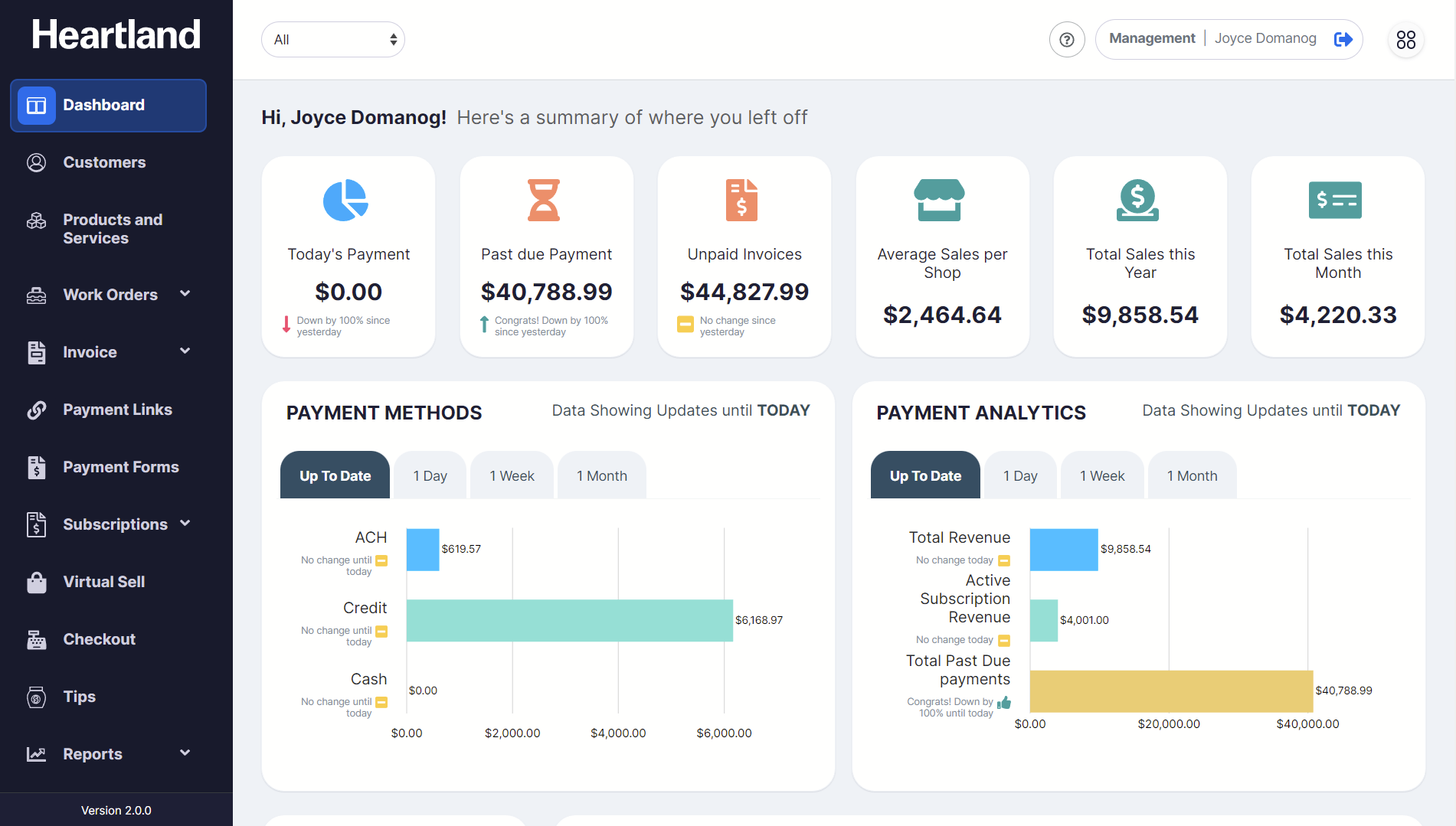
Navigating through Payments Manager+ Dashboard enables the merchants to get a summary of transactions made daily, weekly and monthly. This will help merchants to quickly catch sight of successful payments as well as payment receivables.
Payments Manager+ Dashboard Overview
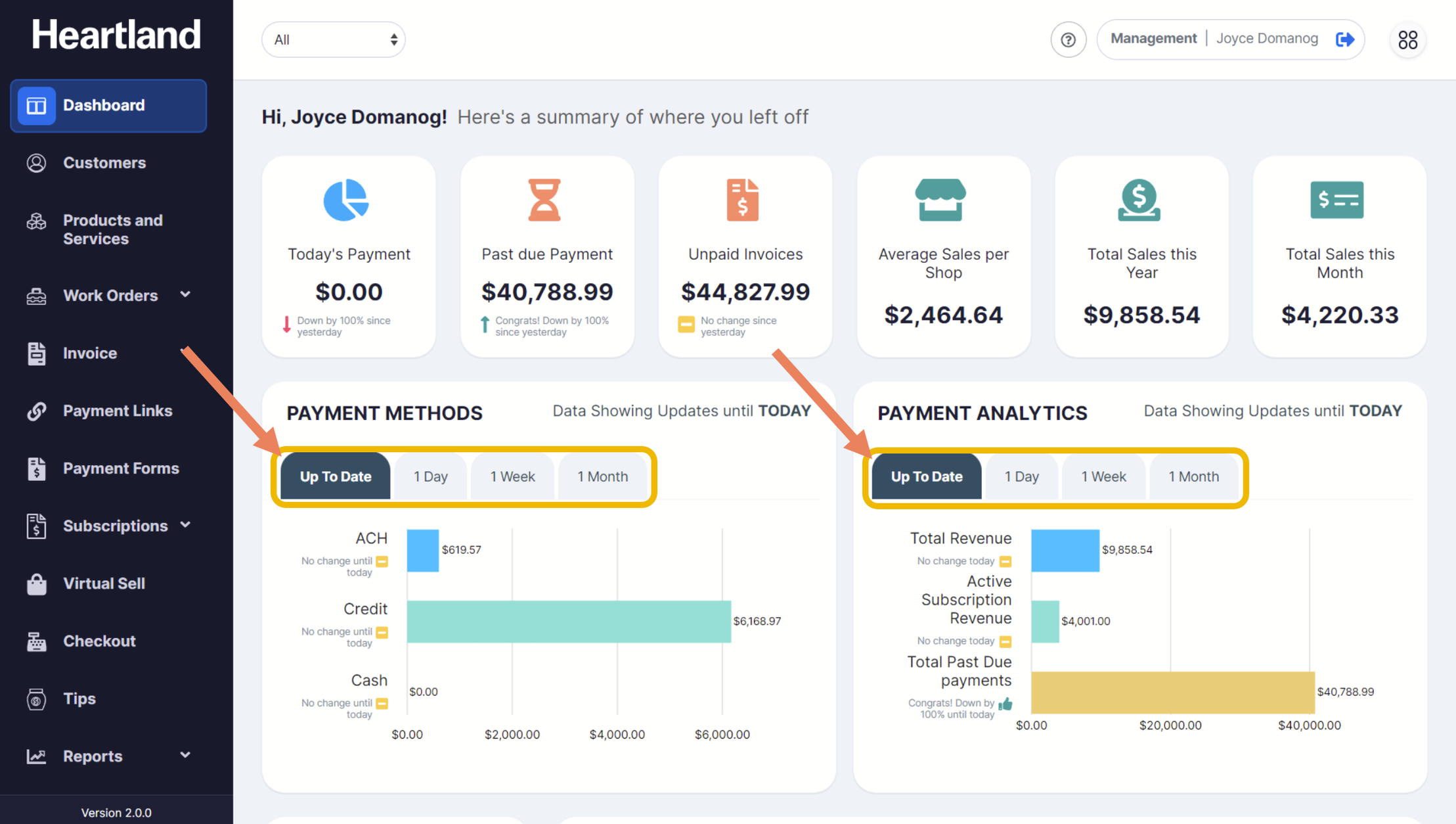
Payment Methods and Analytics
Simply click the corresponding tabs to filter by daily, weekly and/or monthly.
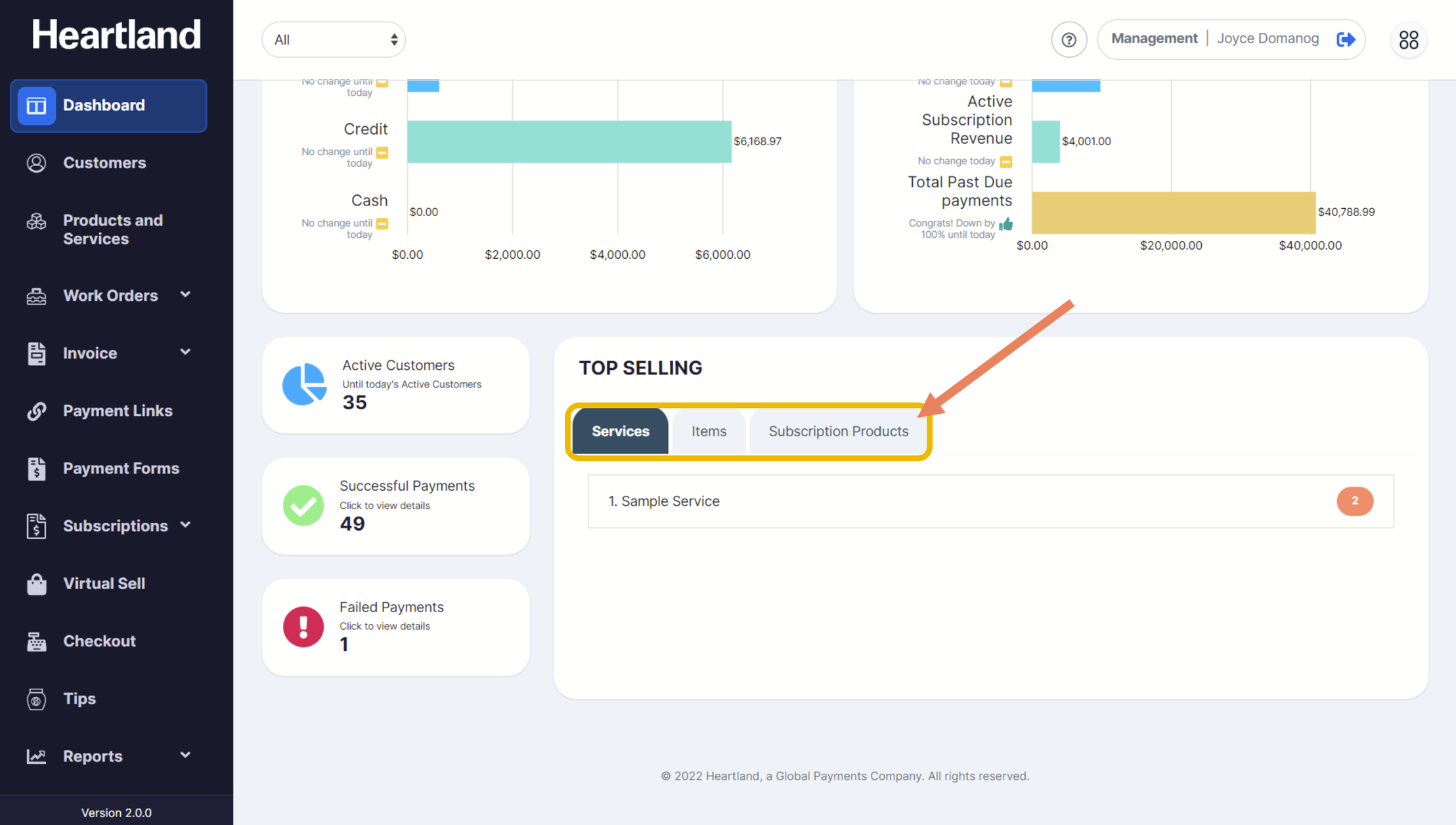
Top Selling Products and Services
Simply click the corresponding tabs to filter Top Selling Services, Items and Subscription Products.
Number of Customers and Payments
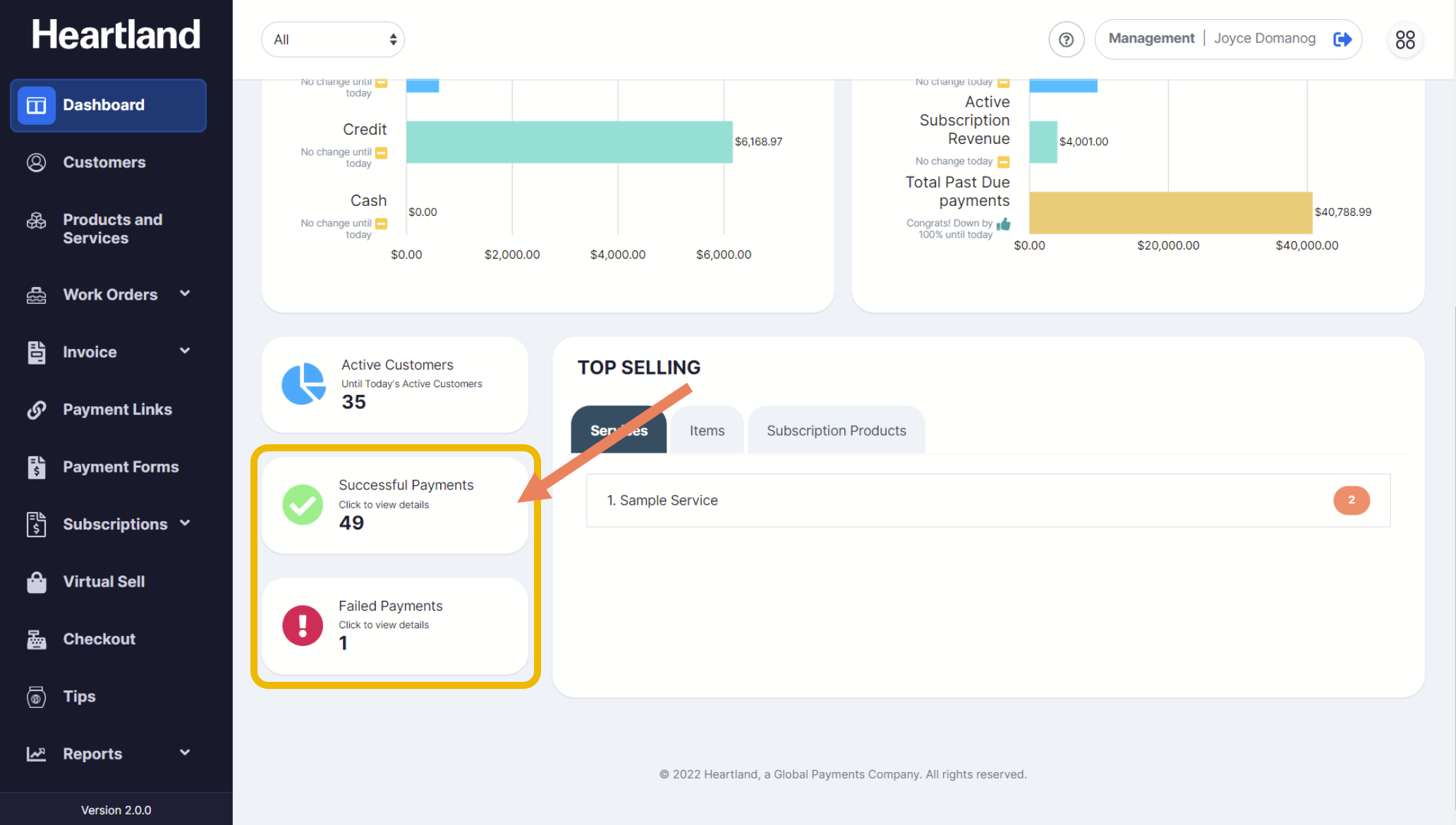
❖ The number of customers, number of successful and failed payment shows on the lower part of the Dashboard page.
❖ Clicking Active Customers will redirect the merchant to the list of customers added in the merchant portal.
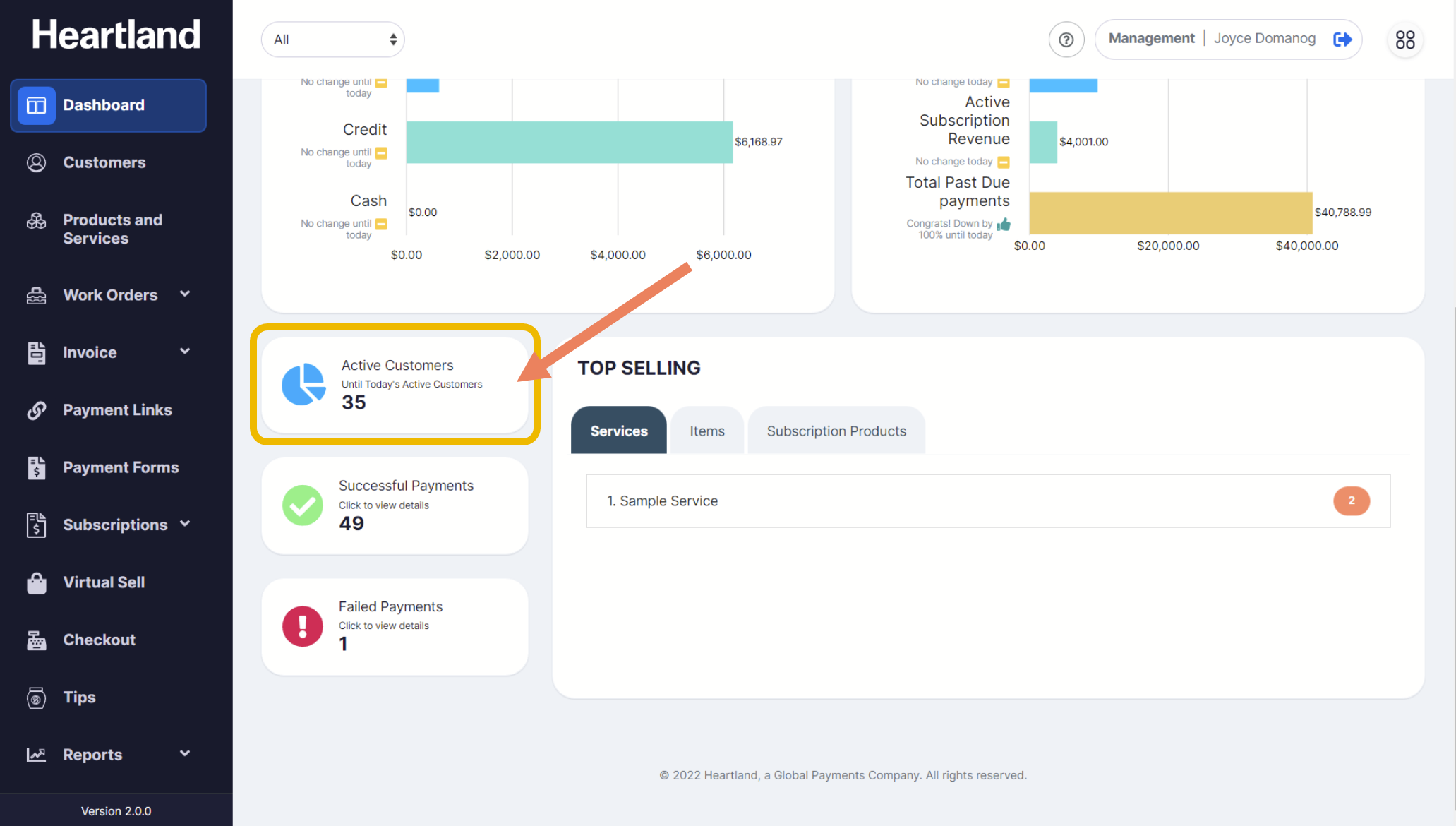
❖ Clicking Successful Payments or Failed Payments will redirect the merchant to Reports Transactions page based on the selected filter.
Comments
0 comments
Please sign in to leave a comment.