
Step 1
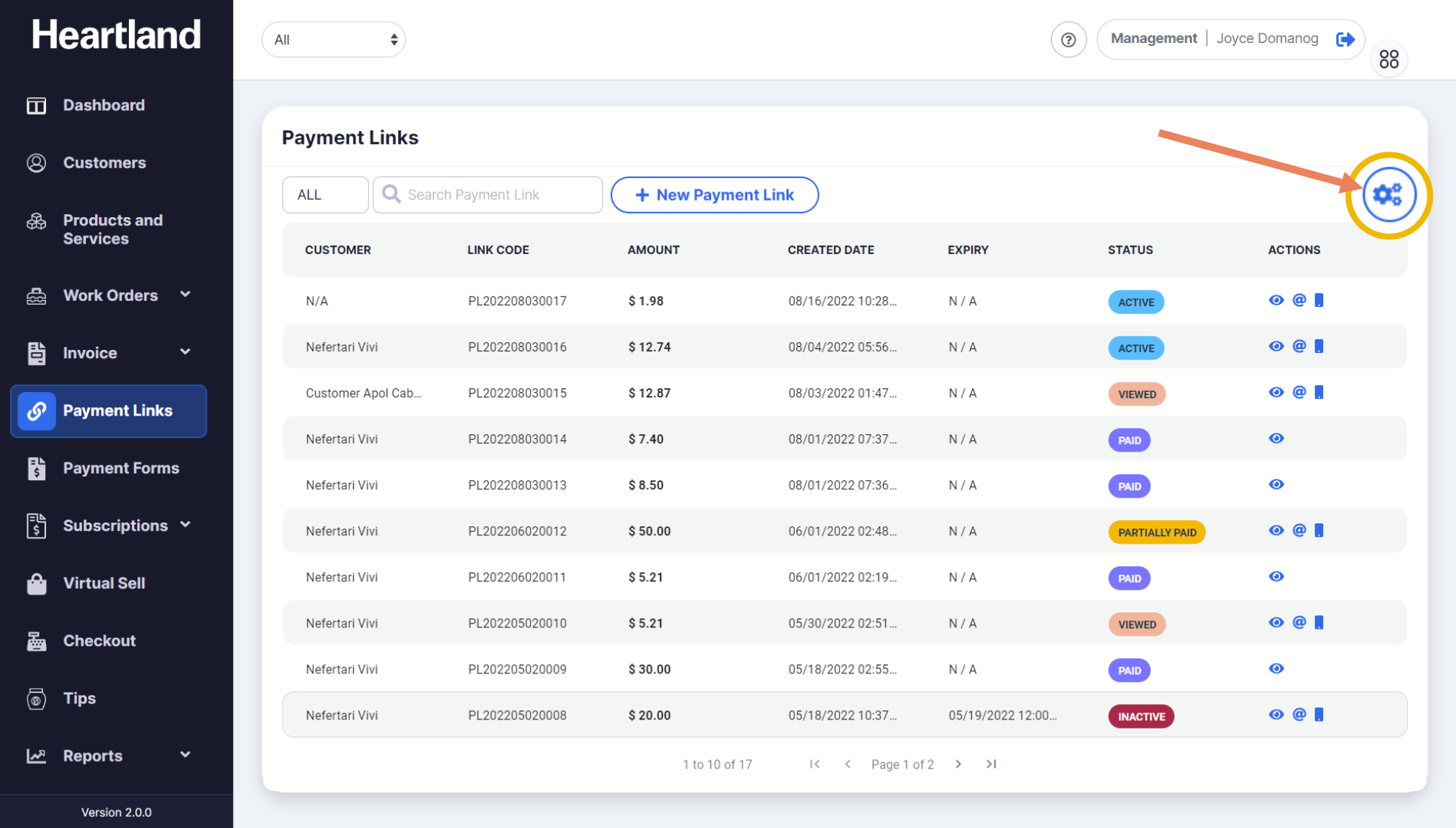
From the Payment Link page, click the settings gear icon (⚙︎) on the upper right part of the screen as shown below.

Settings slide-out modal will appear.
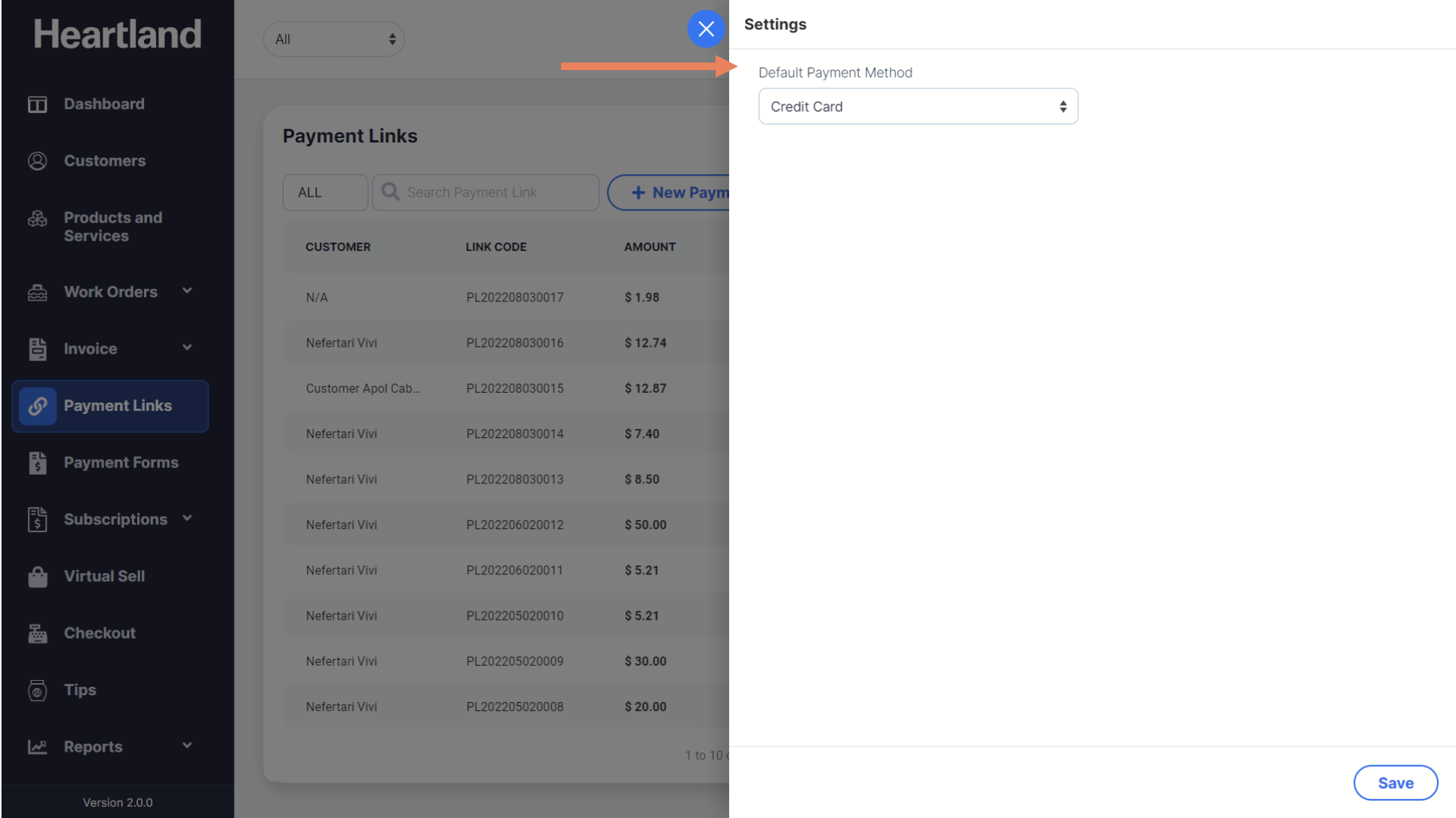

Choose between Credit Card and ACH as the default payment method. Click Save to apply changes.
ACCOUNT SETTINGS CHECK: Make sure that ACH payment is enabled on your merchant settings. Follow this link to learn how to enable ACH payments on your Payments Manager+ merchant portal.
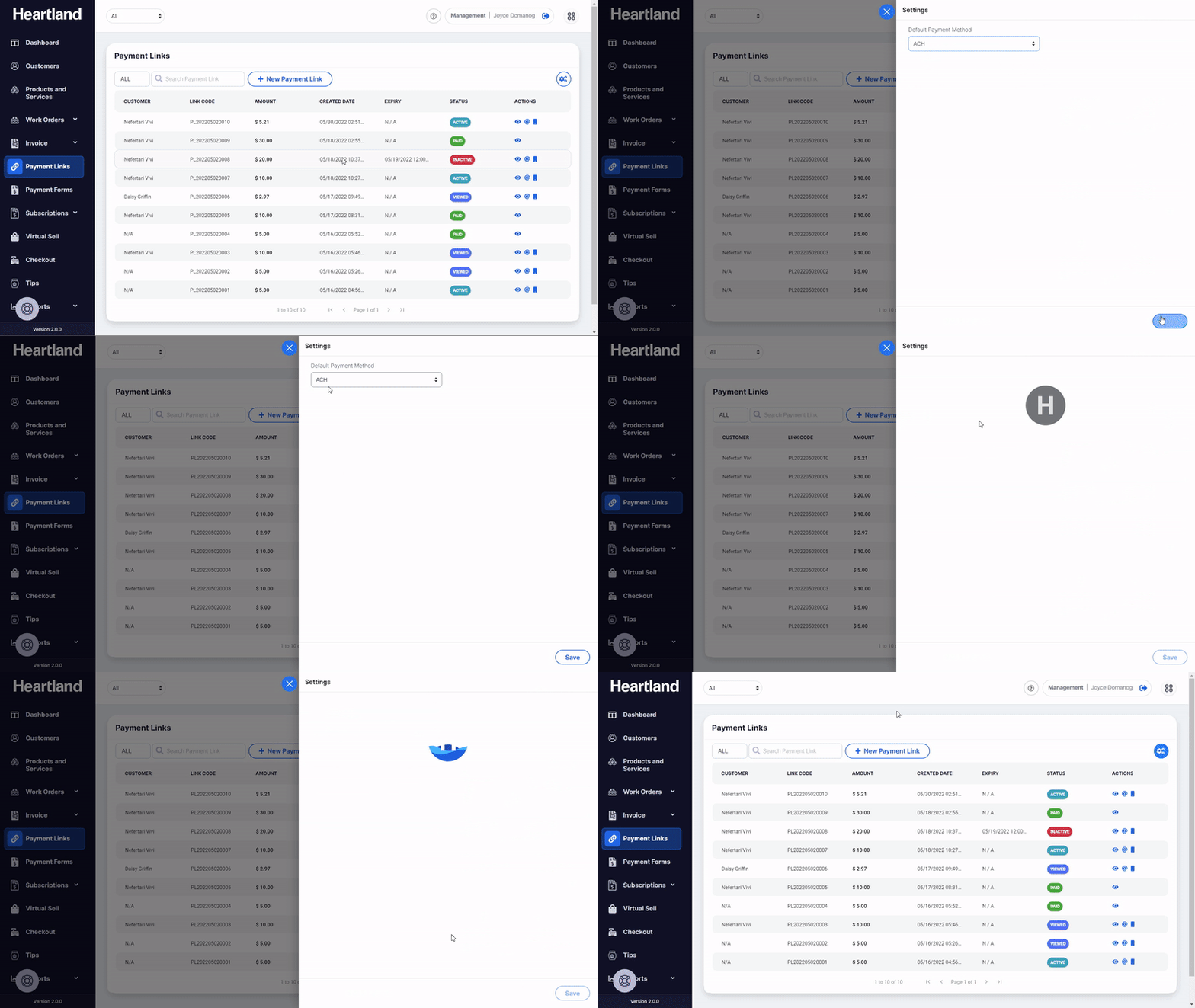

 A message will be displayed when default payment method has been selected.
Step 4
Click OK.
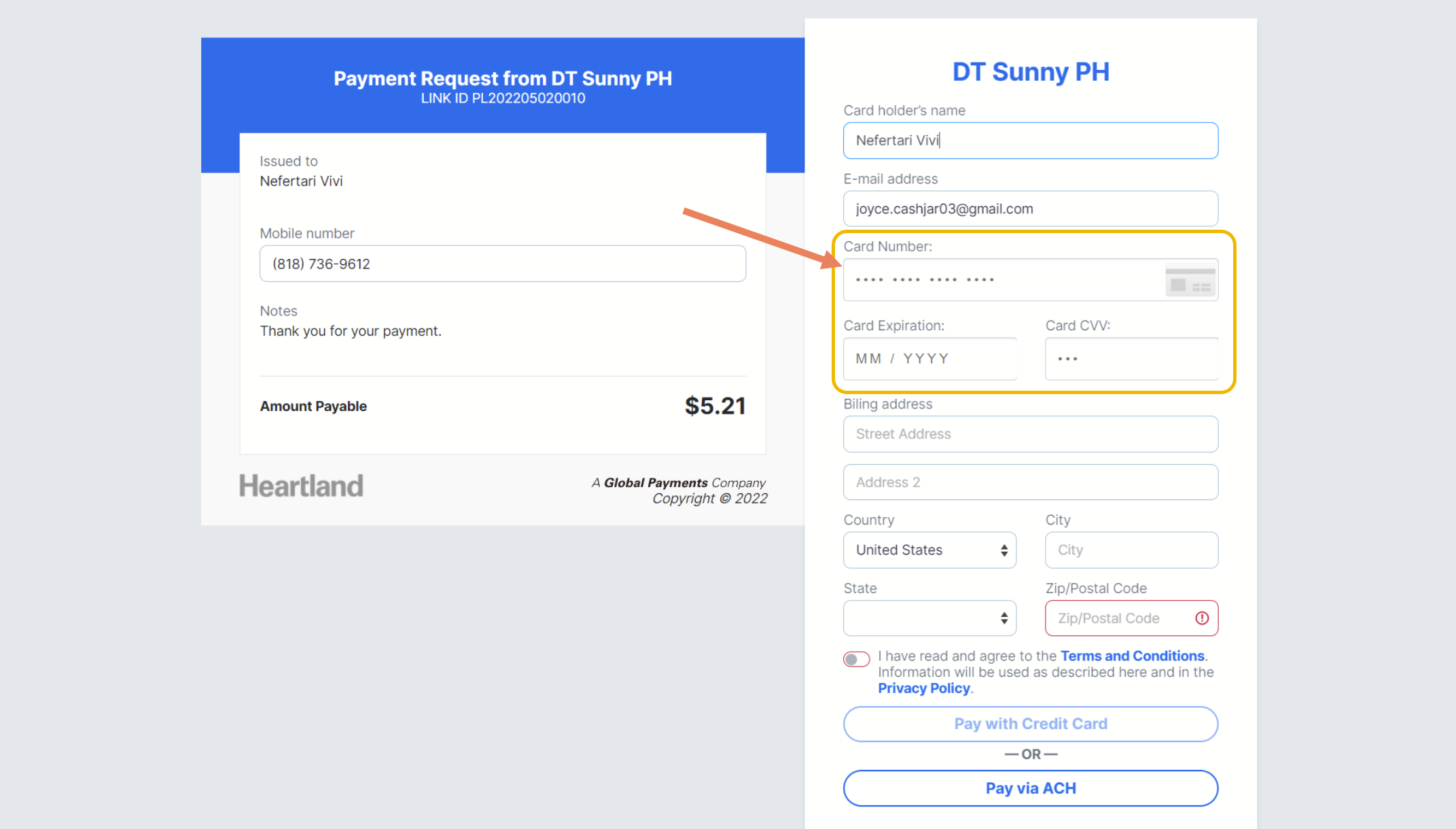
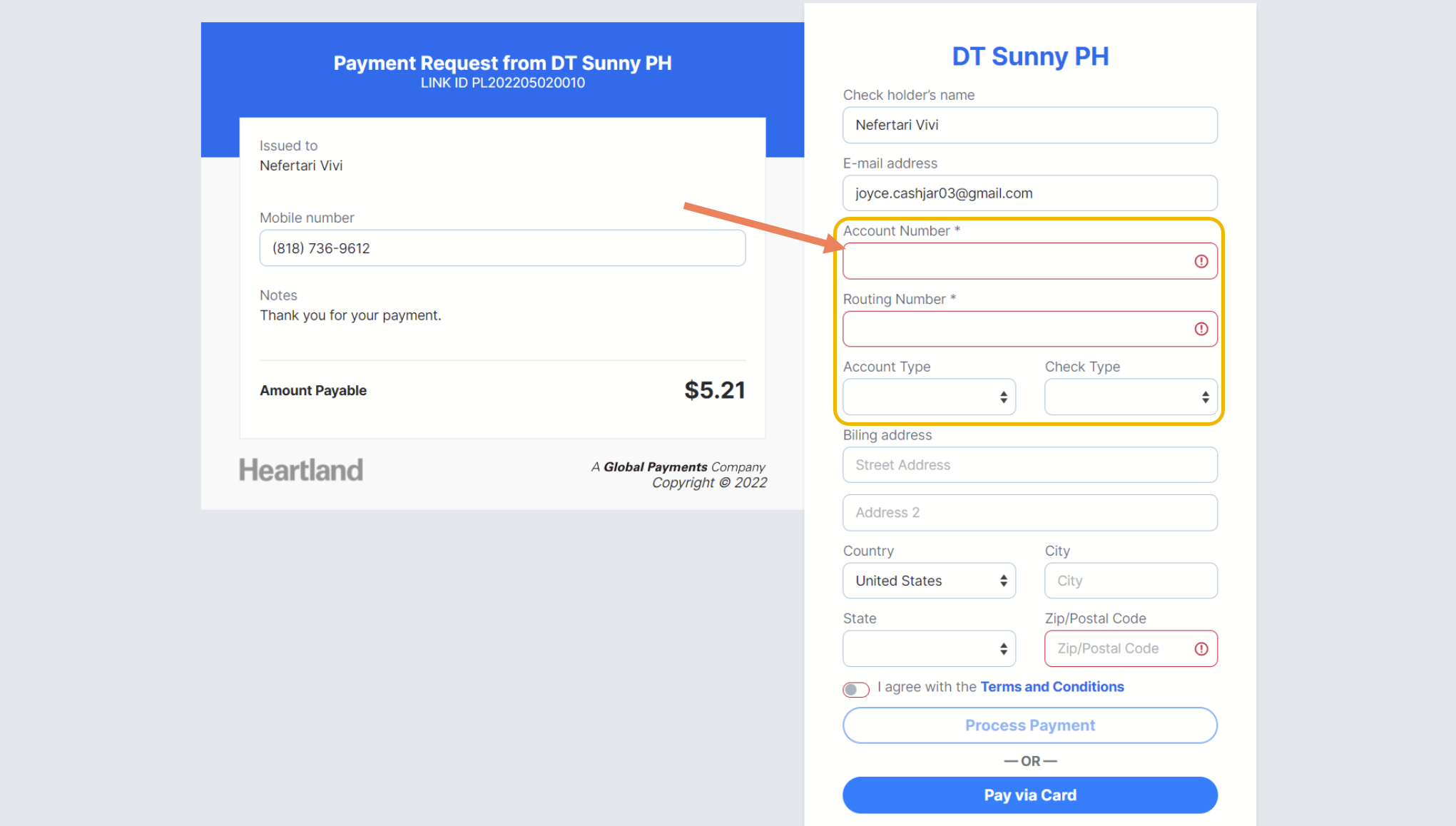
NOTE: The selected payment method will initially show on the customer payment form page. However, customers may also choose to pay with their preferred mode of payment by selecting from the options as shown below.
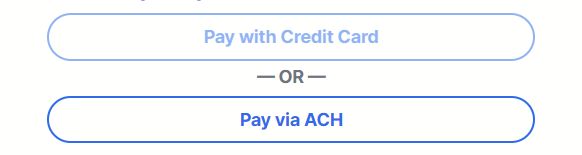
PREVIEW FOR CUSTOMER CARD PAYMENT PAGE
PREVIEW FOR CUSTOMER ACH PAYMENT PAGE
Comments
0 comments
Please sign in to leave a comment.