
Step 1
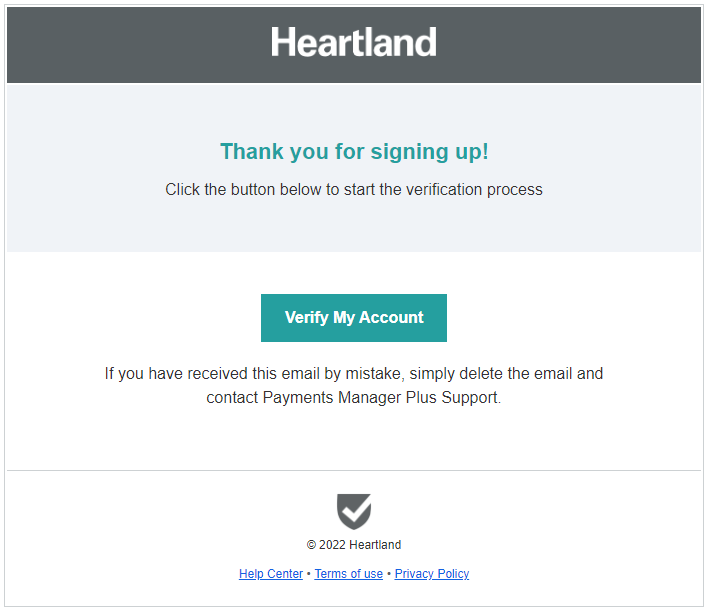
So you just signed up to use the Payment Manager+. You will receive an invitation to setup in your email inbox. Click Verify My Account button to get started. You will be redirected to the setup page.
Step 2
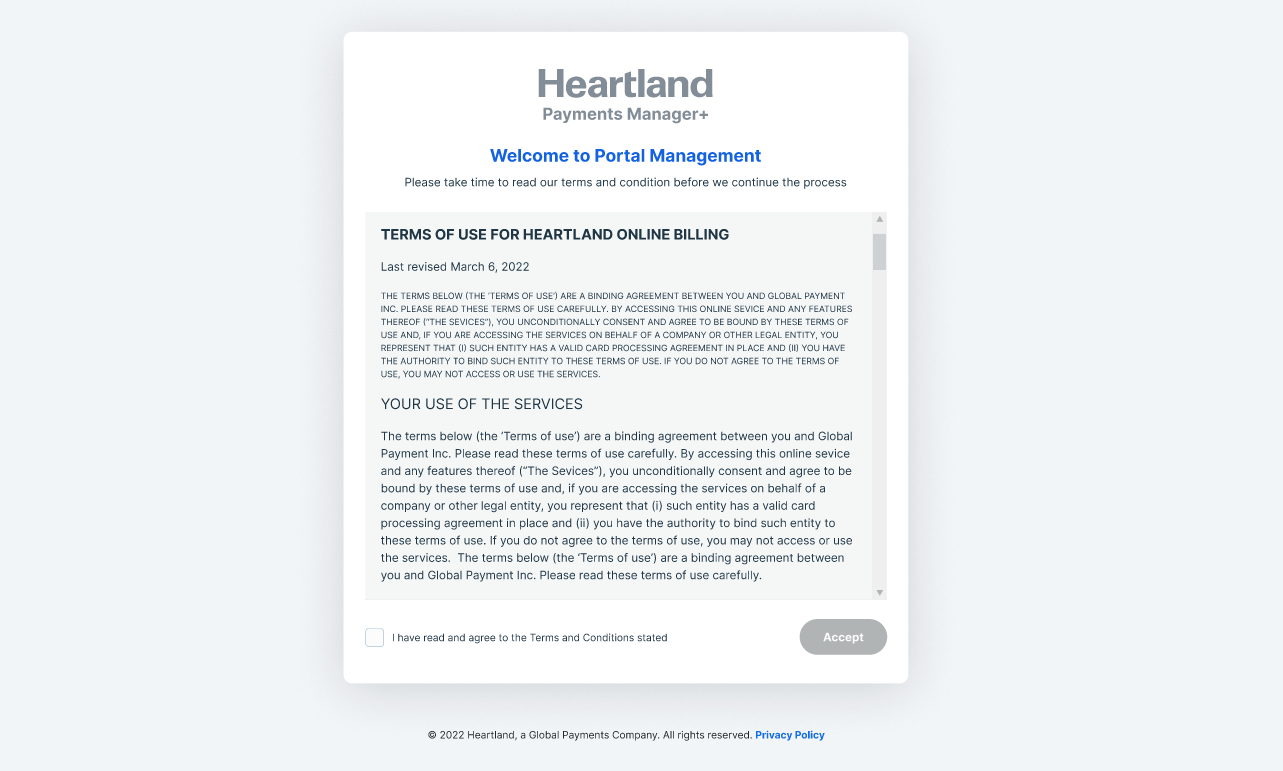
Tick the “I have read and agree the Terms and Conditions stated”. Then click Accept.
Step 3
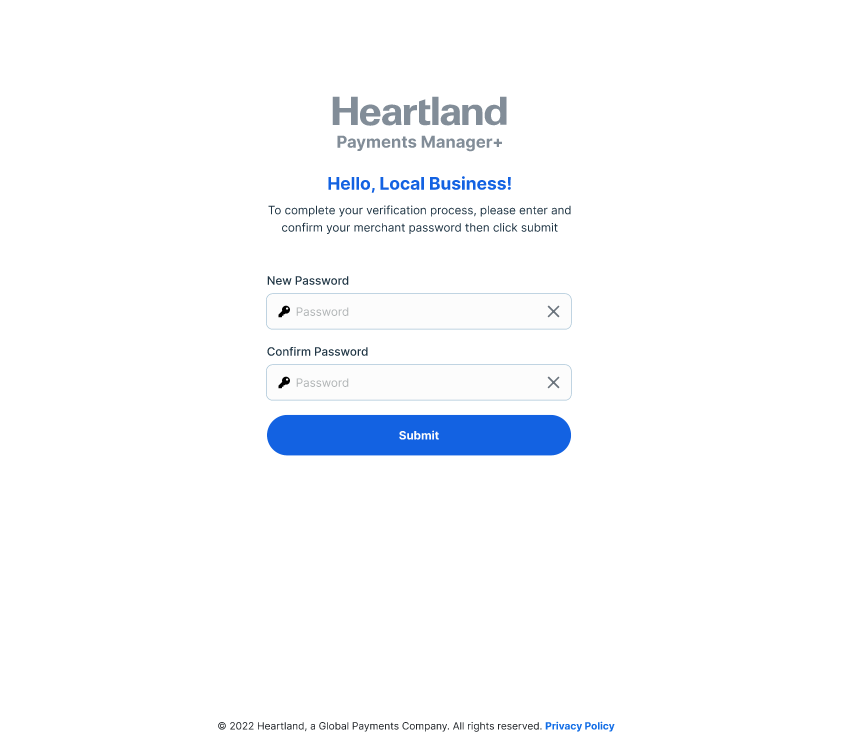
Enter your desired password for your access on the portal. Make sure you confirm it by entering the same password on the confirmation field. Click Submit to start the setup.
Step 4
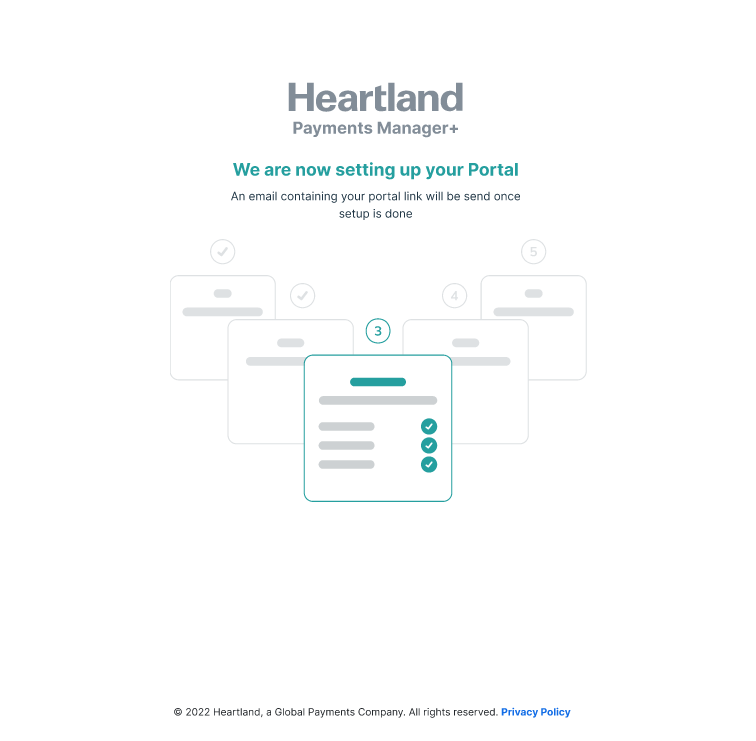
You will be redirected to this page. This means that we are now preparing your portal for your use.
Step 5
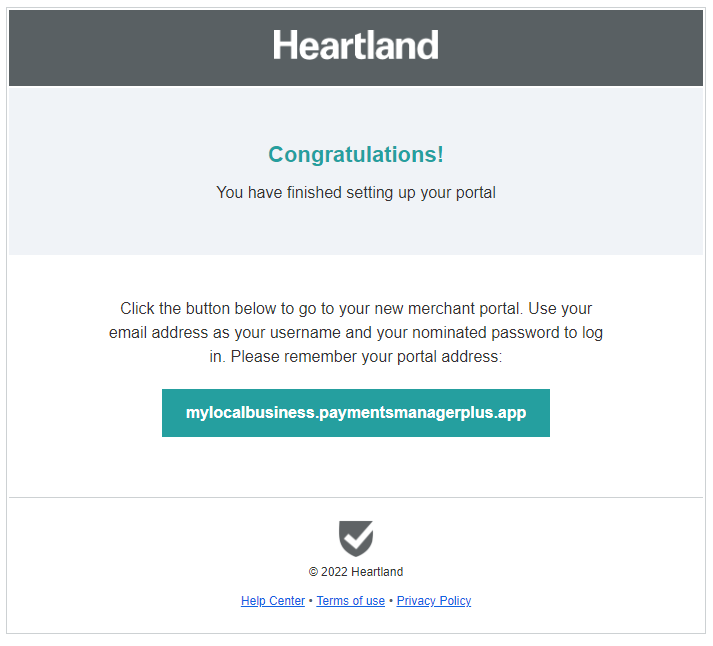
In half an hour, you should receive an email from noreply@mg.paymentsmanagerplus.email with the subject Welcome to your Payments Manager+ Portal! to notify you that your portal is ready for use.
Comments
0 comments
Please sign in to leave a comment.