
Step 1
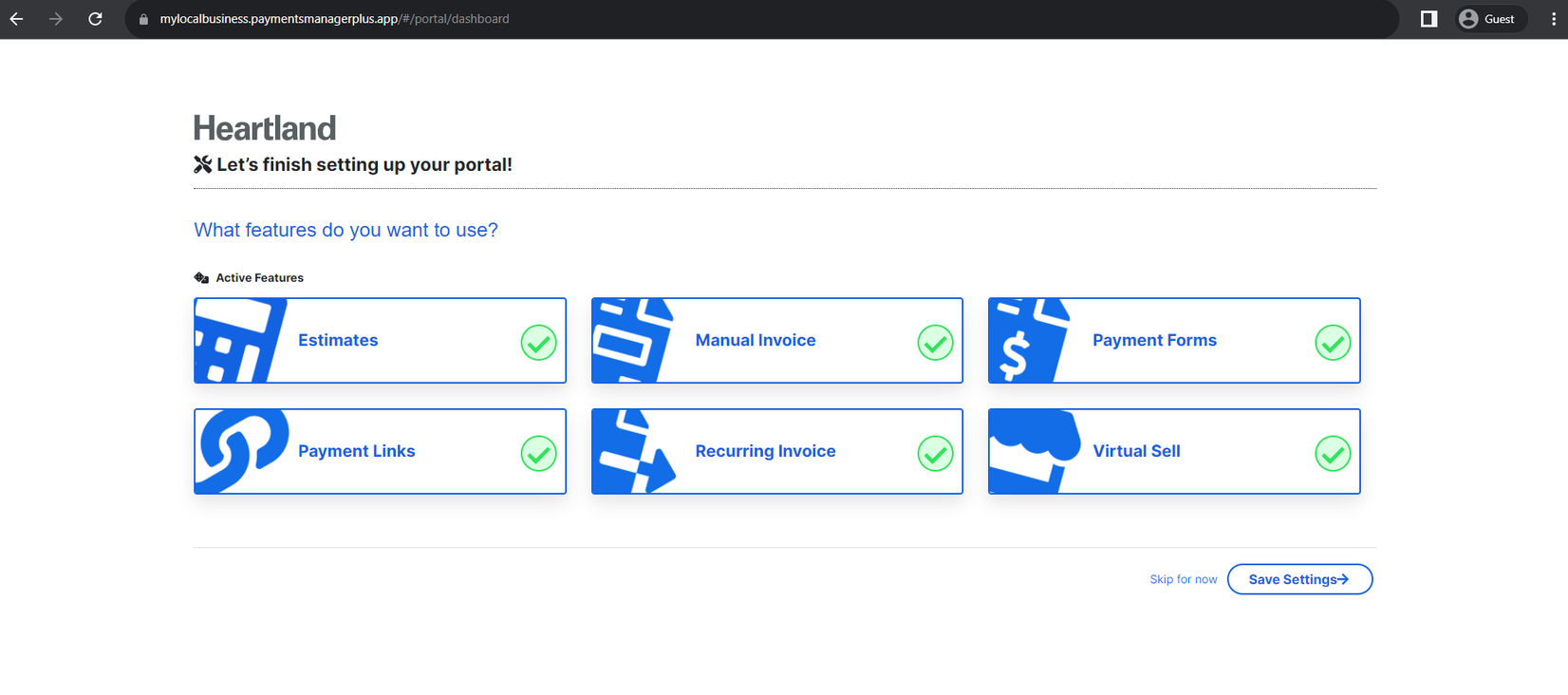
The first time you login, you will encounter the Feature Selection page. Click the features you want to use on your portal. Click Save Settings when you’re done. Otherwise, click Skip for now if you don’t want to select the features yet. The portal will display this page when you log in the next time.
NOTE: This can be changed anytime on Settings > Configuration > Features.
Step 2
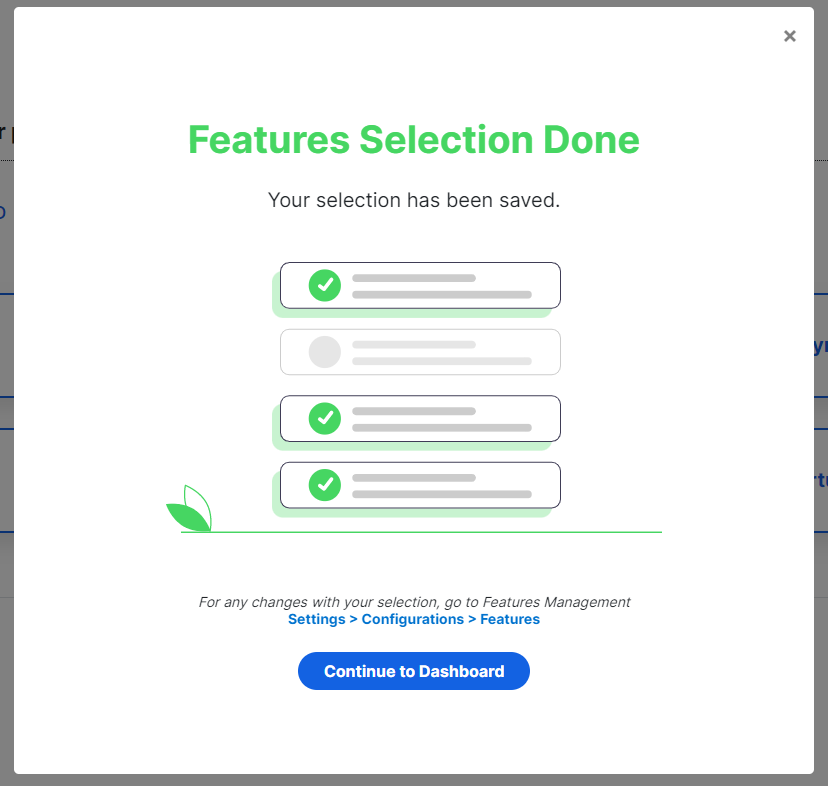
A reminder will be displayed that you can change the Features selection via Settings > Configuration > Features
Step 3
Congratulations! You can now use your portal for all your transactions.
Comments
0 comments
Please sign in to leave a comment.