Step 1
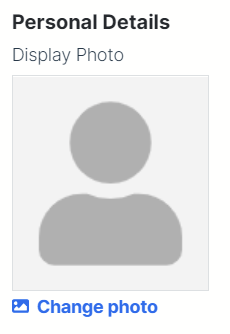
When you are already in the Add Customer modal, click Change Photo below the thumbnail as shown below.
Step 2
Choose an image saved on your device to add customer display photo.
Step 3
Continue adding an Individual or Business type customer.

When you are already in the Add Customer modal, click Change Photo below the thumbnail as shown below.
Choose an image saved on your device to add customer display photo.
Continue adding an Individual or Business type customer.
Comments
0 comments
Please sign in to leave a comment.