
Search Customers
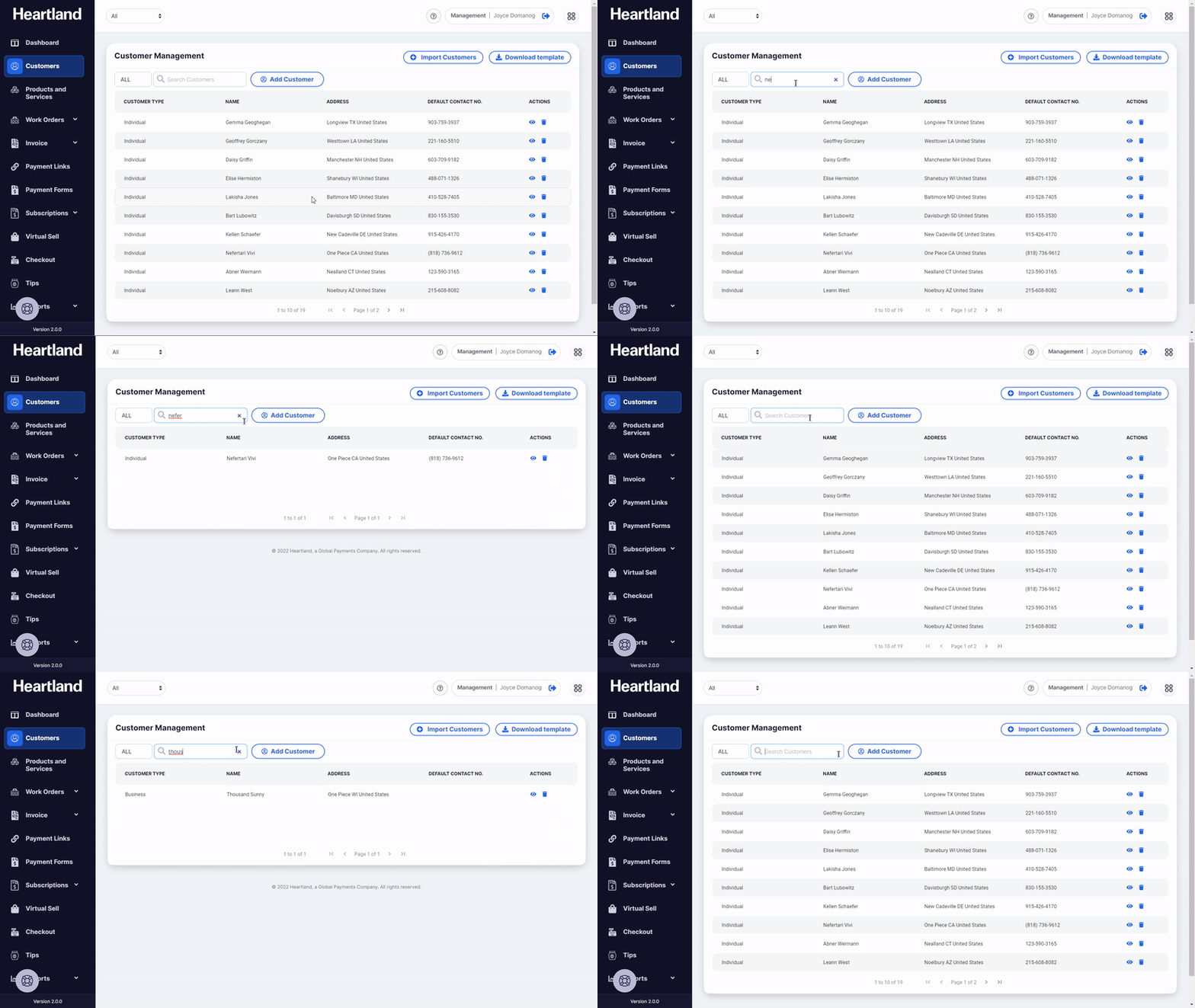
From the Customer Management module, enter the name of the customer you want to manage in the search text field as shown below.
Filter Customers
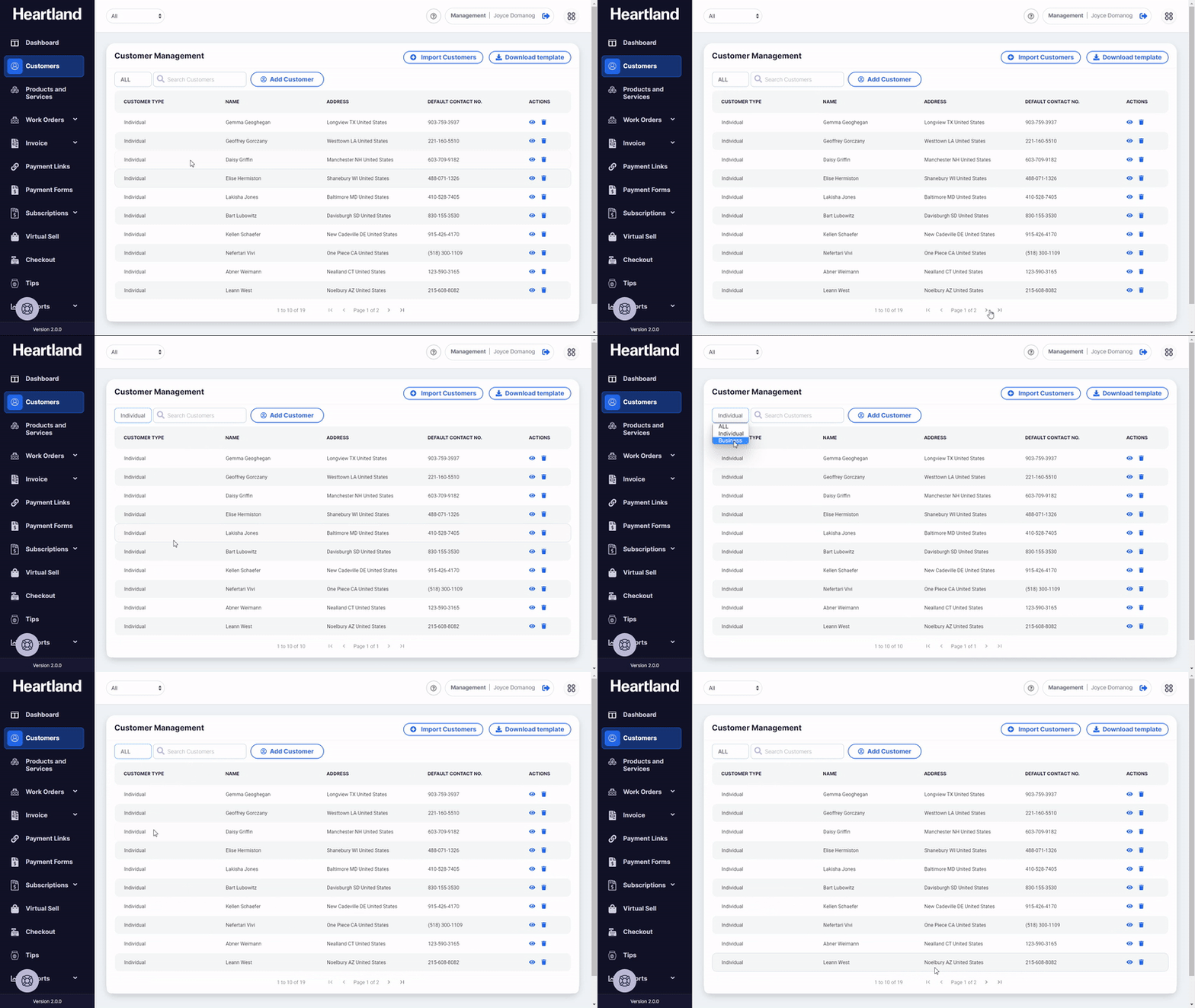
To filter customer type, click the dropdown to choose between the list of Individual type Customers or Business type customers.
View Customers
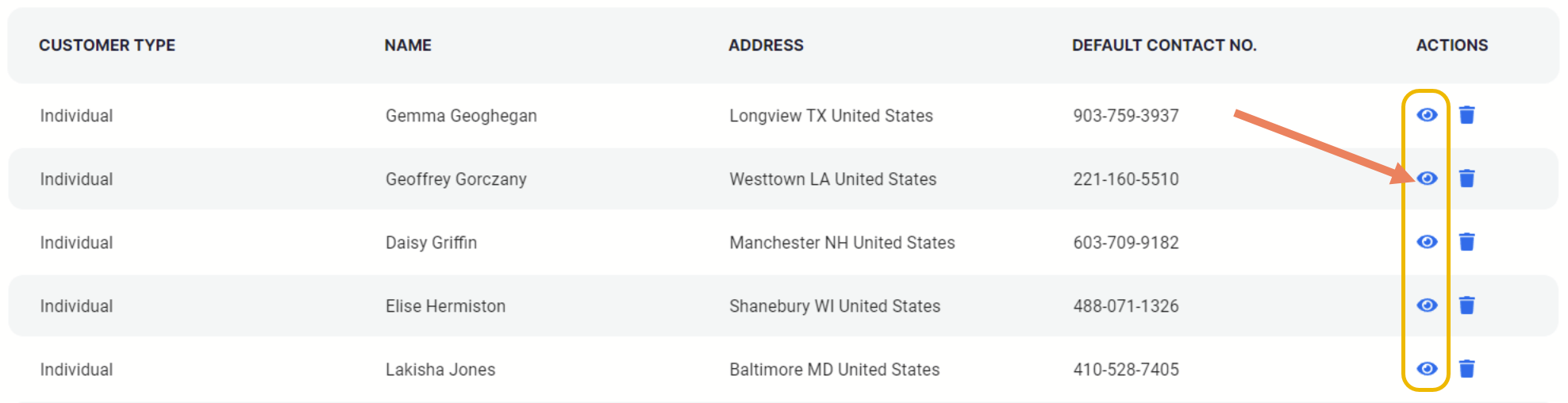
To start managing customers, view customer’s profile by clicking the eye icon (👁) under Actions. Once viewed, you can now start managing customer’s profile and transactions.
Delete Customers
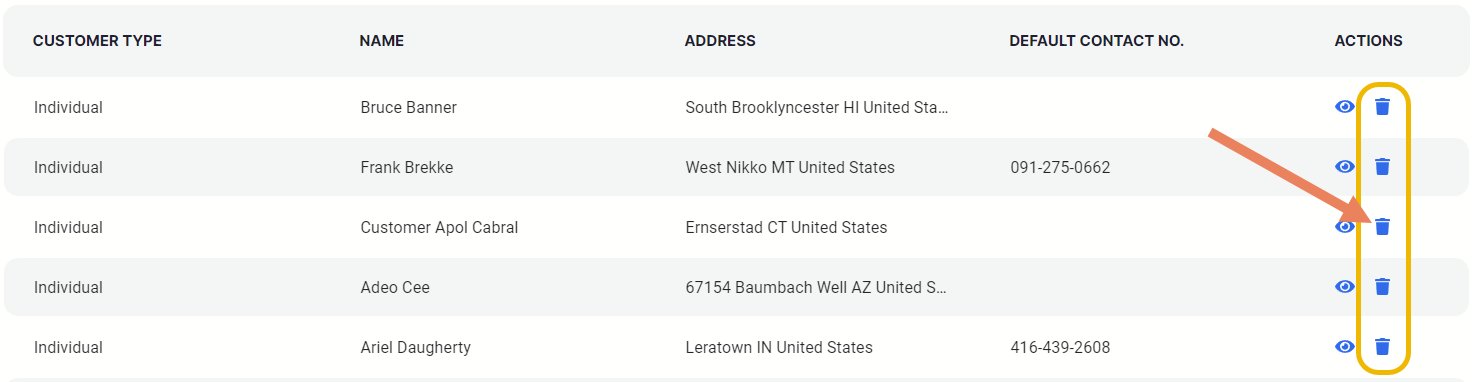
To delete customers, just click the wastebasket icon (🗑) as shown below. There will be a confirmation slide-out modal, click Yes to proceed with the deletion.

Comments
0 comments
Please sign in to leave a comment.