
Step 1
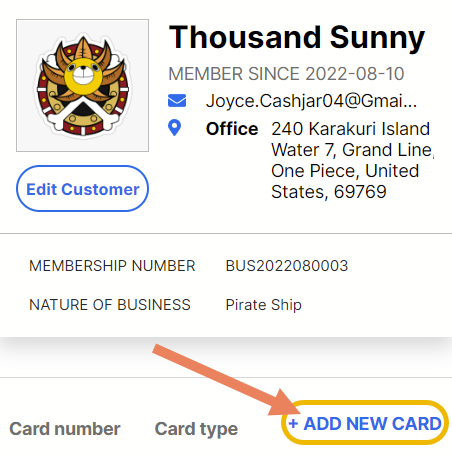
From Customer’s Profile, click Add New Card button below the customer information square tile.
Step 2
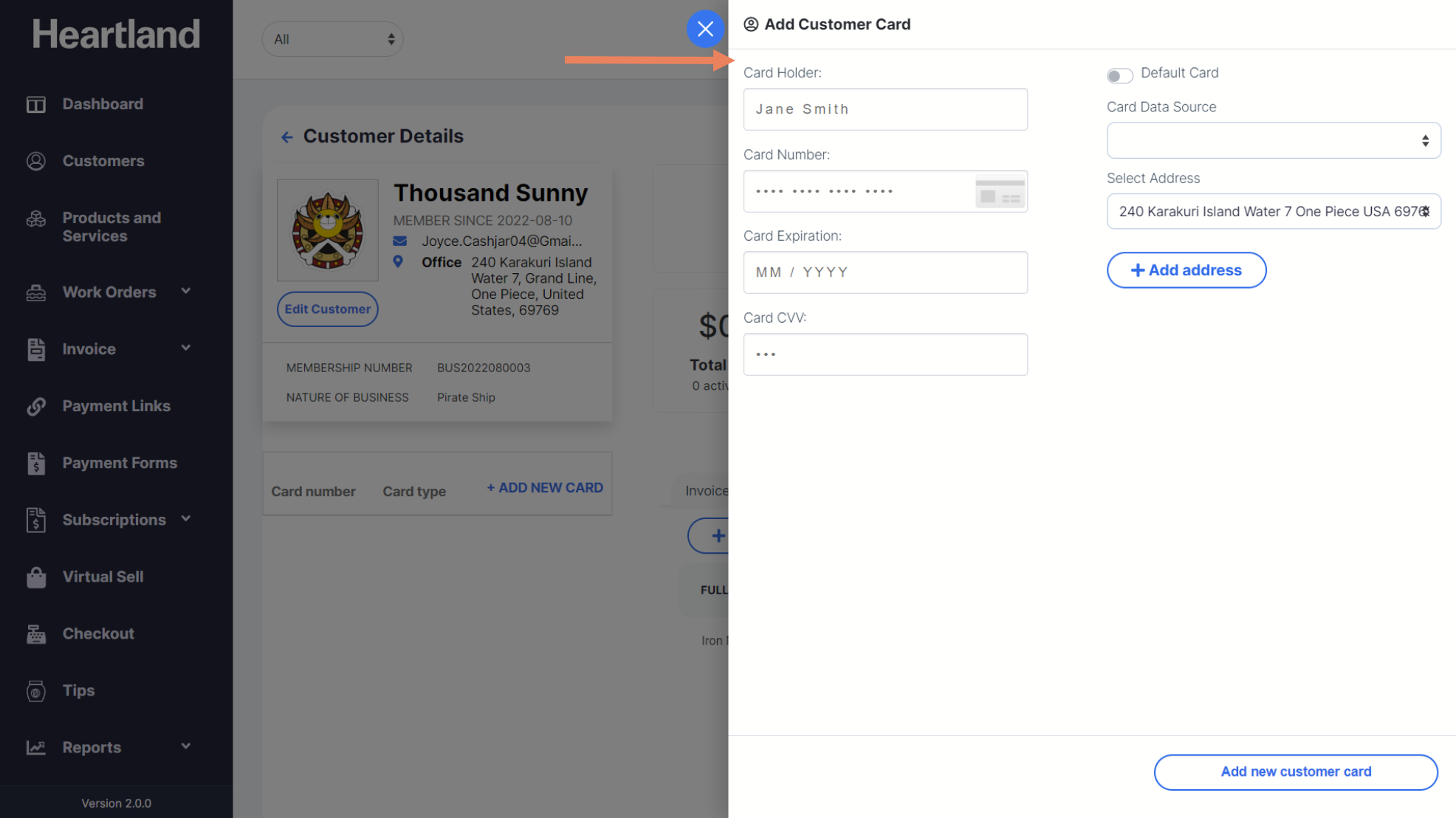
Add Customer Card slide-out modal will appear.
Step 3
Input card details and click Add new customer card.
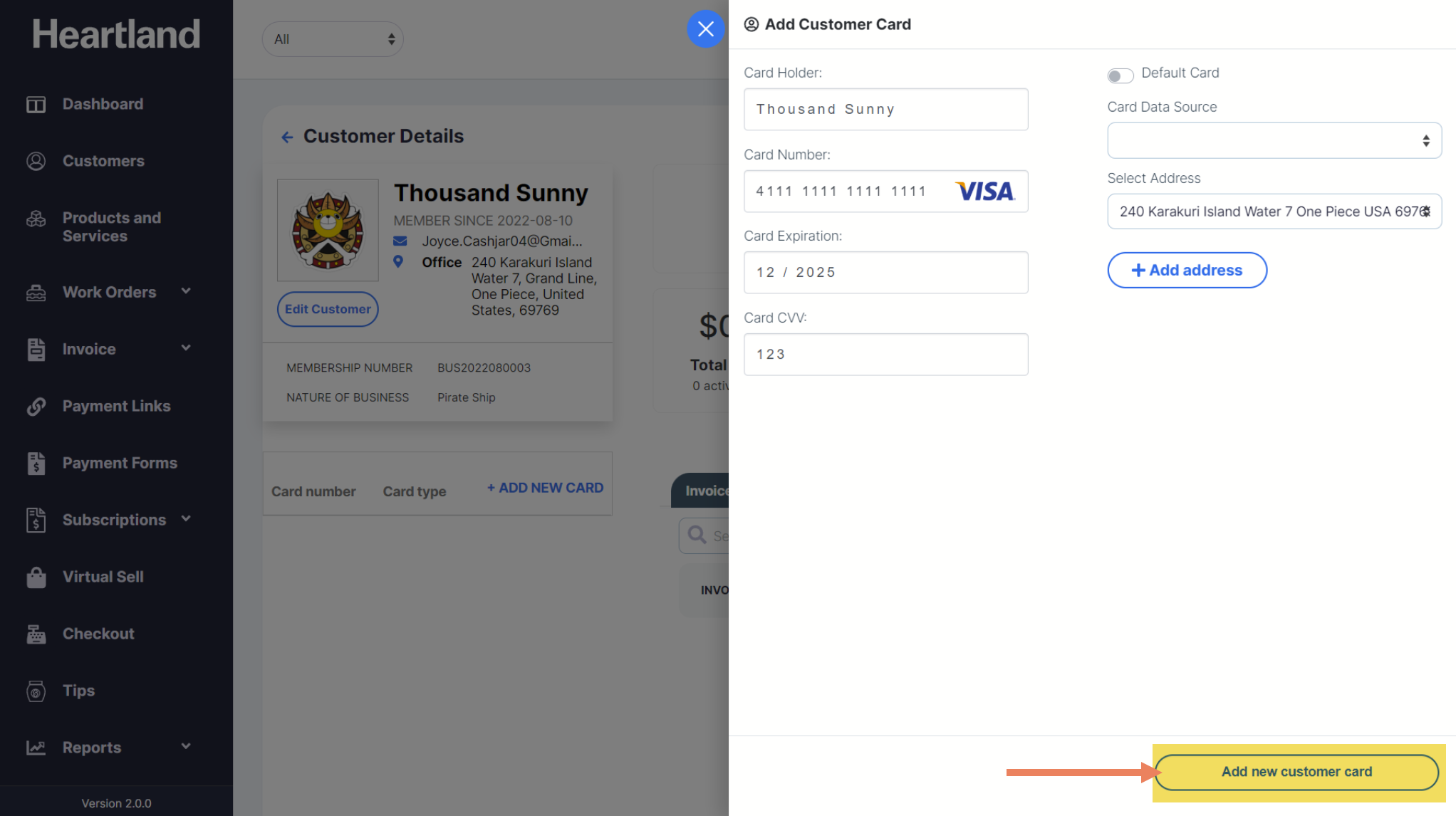
 A message will be displayed when adding a customer card is successful.
Step 4
Click OK.
Comments
0 comments
Please sign in to leave a comment.