
Setting a Default Contact Number
Step 1
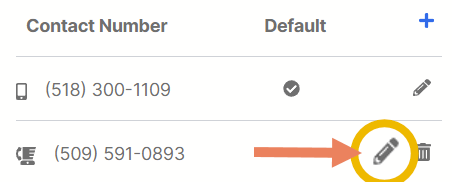
When you are already in the Contacts tab, click the contact number pen icon (🖊) to edit and/or set the desired number as the default customer phone.
Step 2
Toggle Is Default ON and click Update Customer Contact to save changes.
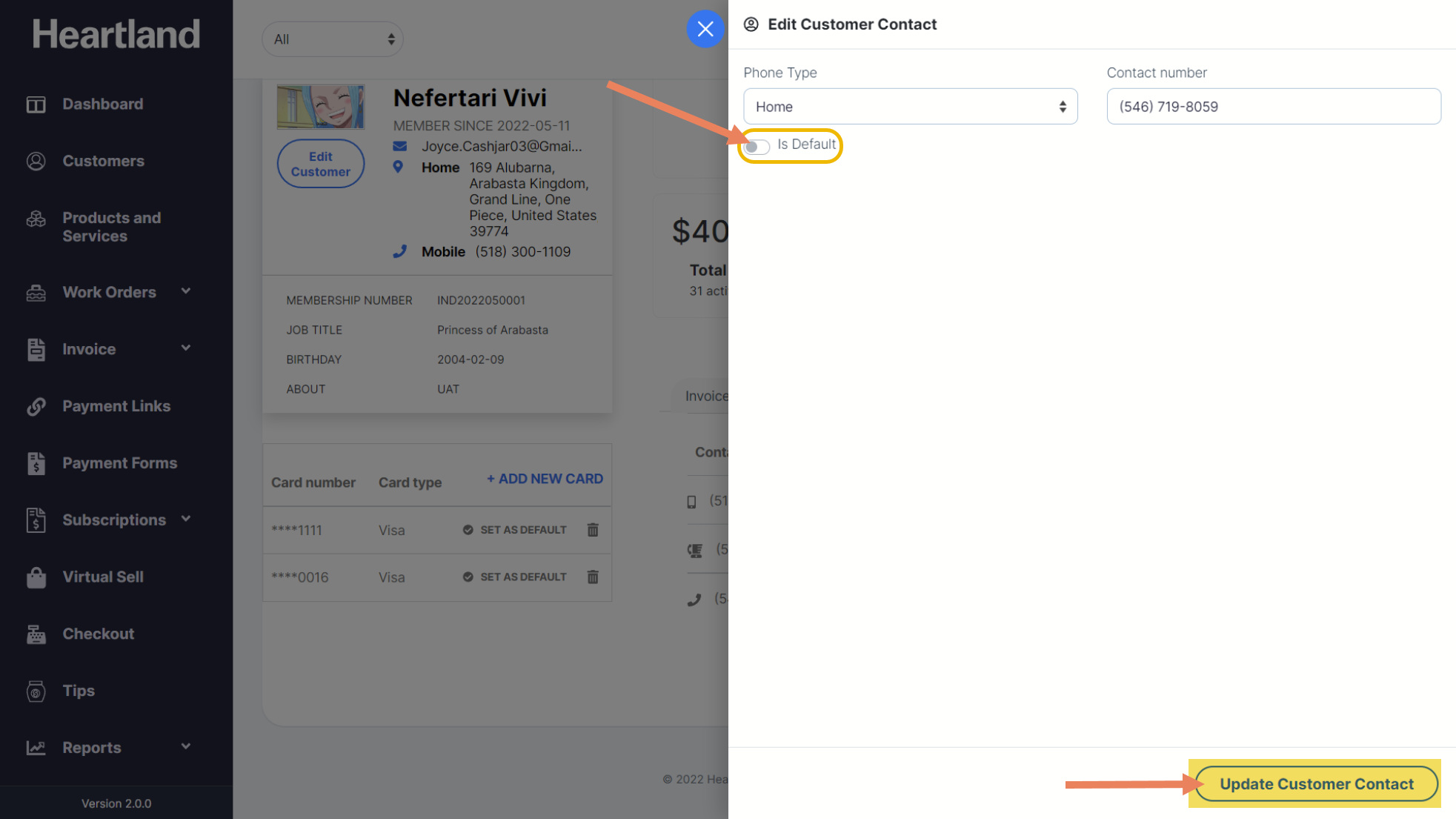
 A message will appear once changes has been saved.
Deleting a Contact Number
Step 1
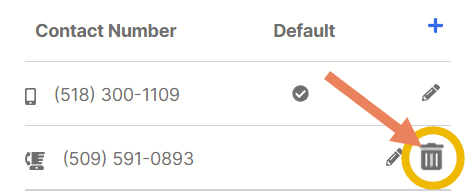
To delete previously saved contact number, click the wastebasket icon (🗑) to delete the customer’s old/unused phone number.
Step 2
Confirmation slide-out will appear. Click Yes to confirm contact number deletion.
A message will appear once contact number deletion is successful.
NOTE: You can only delete non-default contact number.
Comments
0 comments
Please sign in to leave a comment.