
Step 1
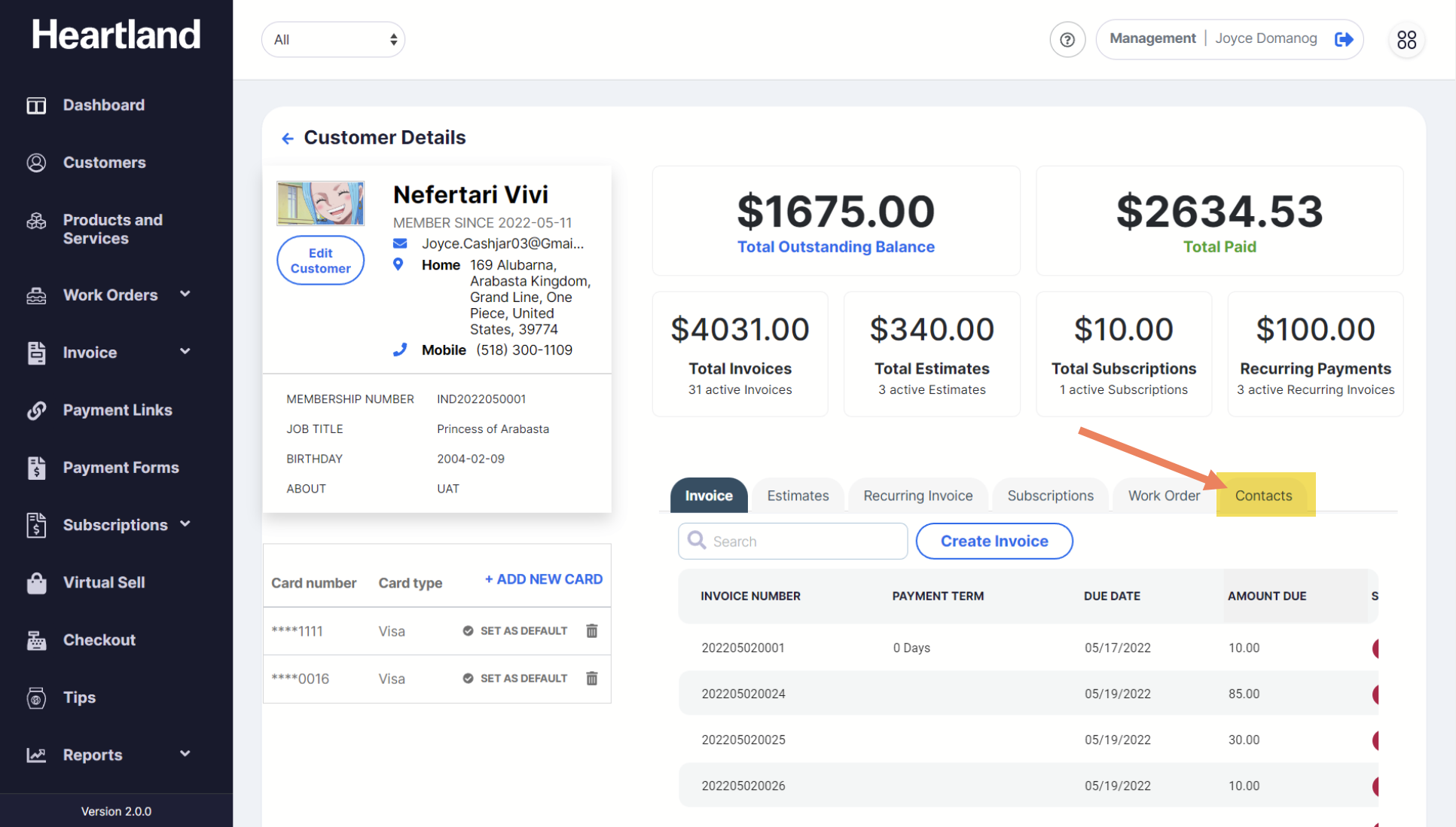
From Customer’s Profile, go to Contacts tab.
Step 2
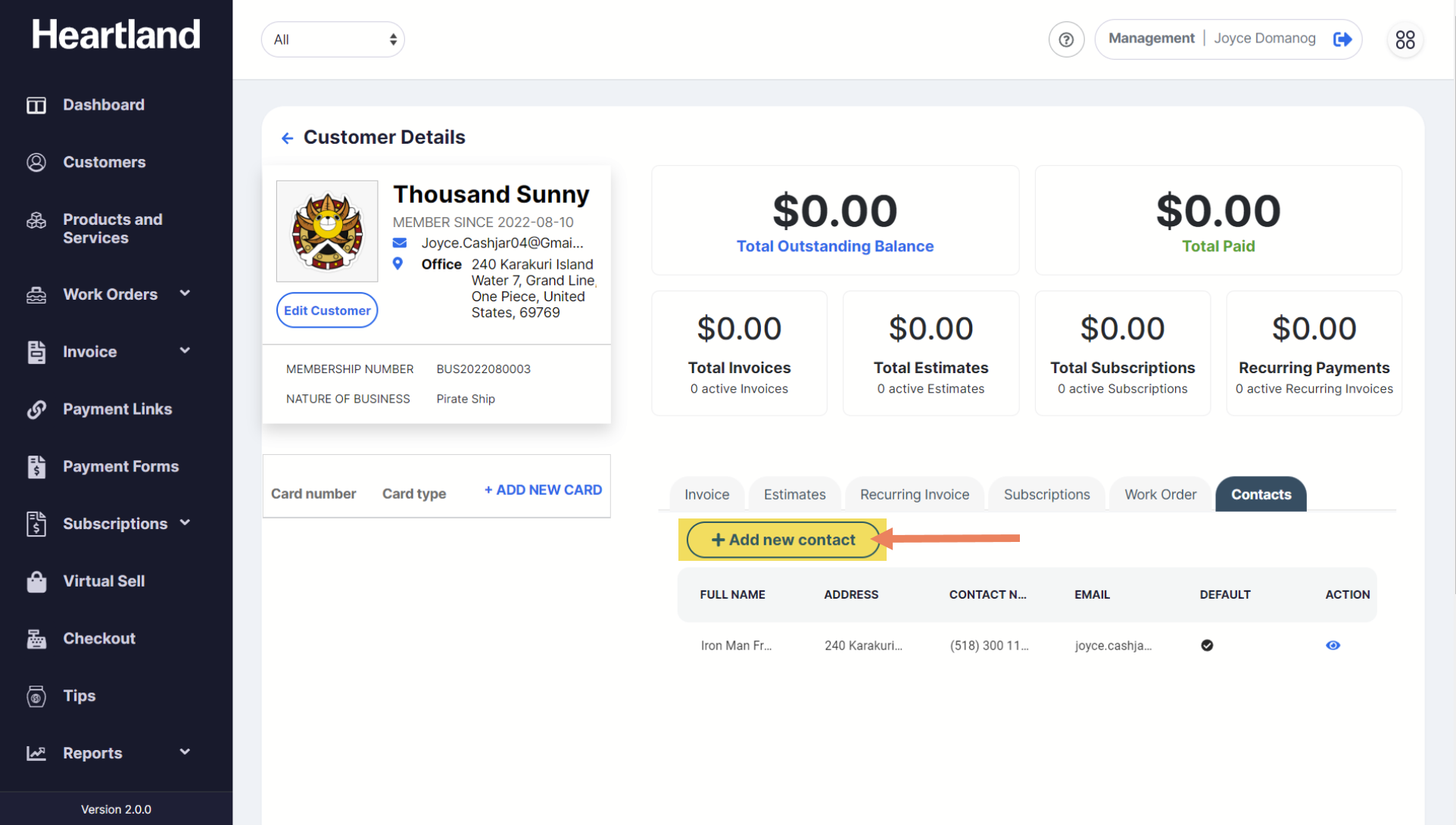
To add new contact person, click Add new contact and a slide-out modal will appear.
Step 3
Populate required fields then click Save to successfully add new contact person.
 A message will appear once adding contact person is successful.
NOTE: Customer's newly added number should be seen under Contacts tab without refreshing the page.
Comments
0 comments
Please sign in to leave a comment.